Ultra Stylization 3.0
AI Editor's Ultra Stylization 3.0 model allows you to transform an image's style into a wide variety of brand-inspired and popular art styles. By describing styles and themes directly, you can transform simple prompts into polished, stylized results. This guide explains how to structure your prompts for the best results.
Use Ultra Stylization 3.0
To use Ultra Stylization 3.0 in AI Editor:
- Open Effect House and go to the Tool Bar.
- Click AI Editor to open the AI Editor window
- Under Image Model, go to Base Model
- Select Ultra Stylization 3.0
- Under More Settings, adjust:
- Pose Detection: Extracts body keypoints to replicate or control the subject's pose and gesture
- Depth: Uses a depth map to understand the scene's 3D structure and keep objects in the correct spatial position

- Upload any image you want to copy the style from. (Refer to the Style Reference Examples to give you some inspiration.)
- Enter a prompt. (Refer to the Prompt Best Practices below.)
- Click Generate
Style Reference Examples
| Reference Image | Generated Effect | Example Prompt |
|---|---|---|
 |  | "Brick-built aesthetic" |
 |  | "Brick-built aesthetic" |
 |  | "90's retro Janpanese anime style" |
 |  | "90's retro Janpanese anime style" |
 |  | "Blind box toy style" |
 |  | "Blind box toy style" |
Other Style Reference Examples
These style reference images can help you explore different looks when creating effects with the Ultra Stylization 3.0 model.
Trending
 Sporty |  OOTD |  Indie Sleaze |  Modern HK |  Futuristic |
 Christmas Eve |  McBling |  KPOP |  Y2K |  Yearbook |
 Cowboy |  Nostalgia |  Boho Chic |  Gatsby |  Wedding |
 Polaroid |  Halloween |  Old Money |  B&W |  Makeup & Styling |
Anime
 Webtoon |  LEGO |  Clay |  Sailor Moon |
 JOJO |  Blind Box Toy |  Pixel Art Style |  Super Mario |
 Powerpuff Girls style |  The Simpsons |  90's Retro Japanese Anime |  South Park |
Lighting
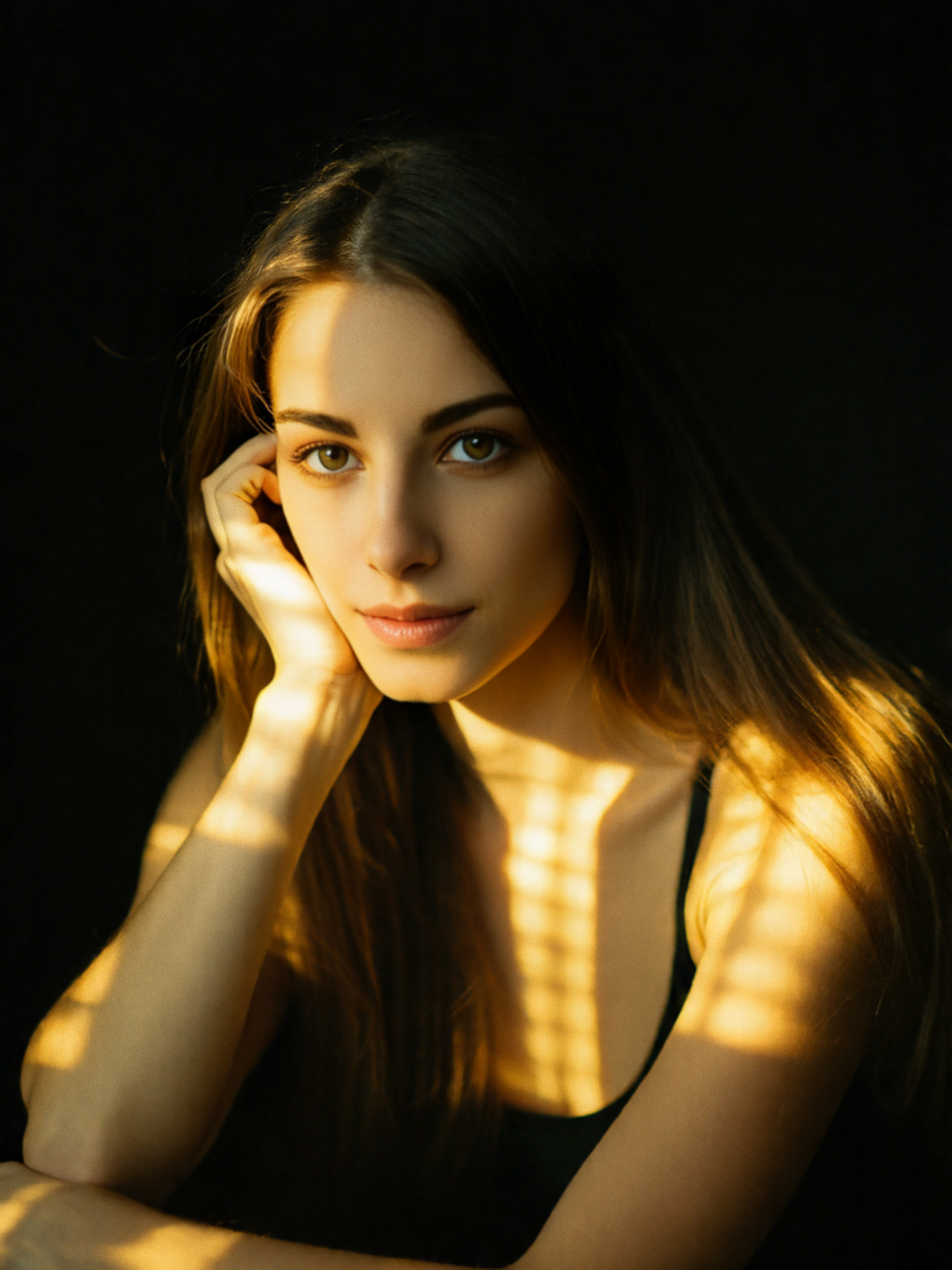 Ambient Side Light | 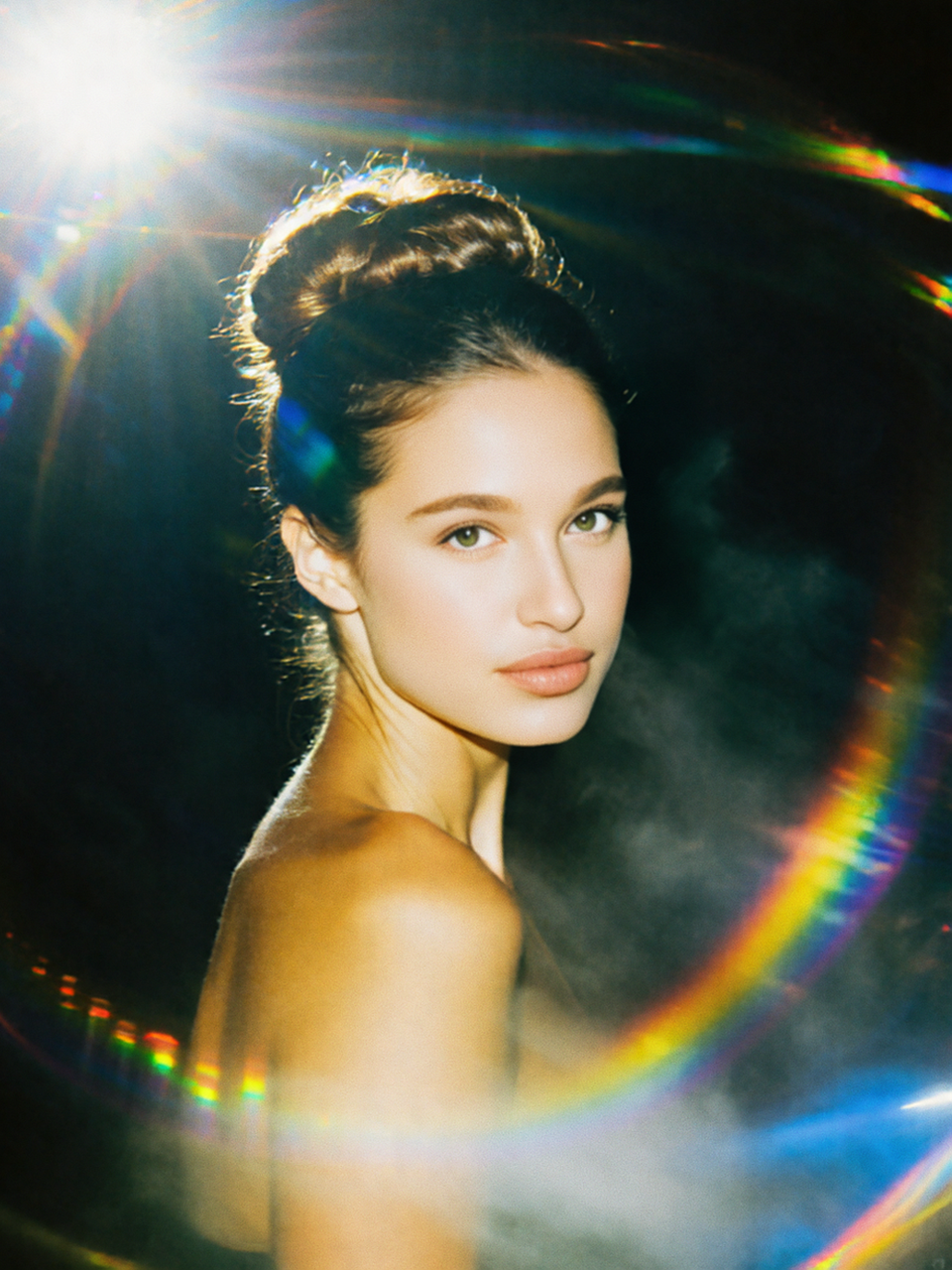 Rainbow Bokeh |  Top Lighting | 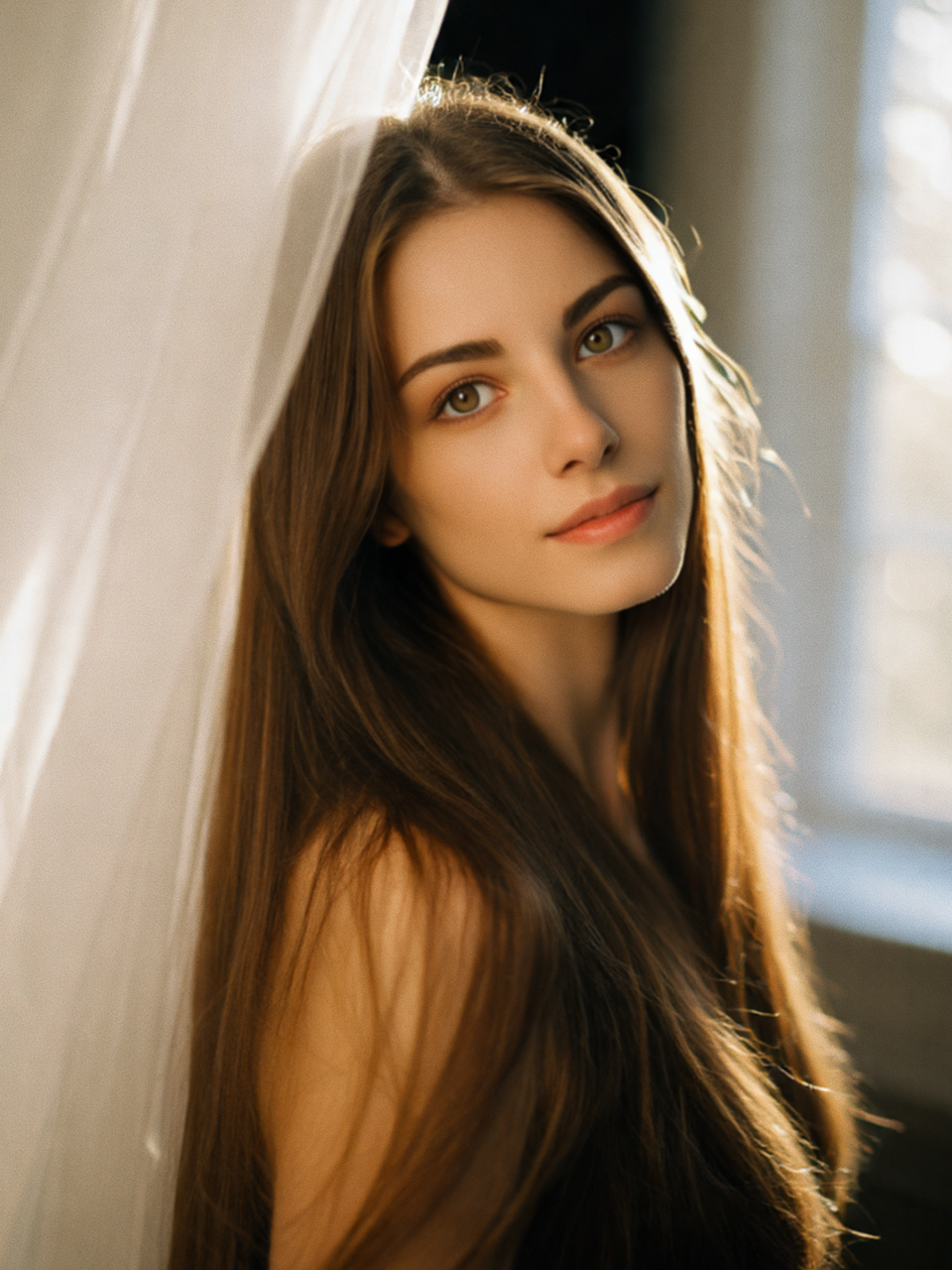 Diffused Soft Lighting | 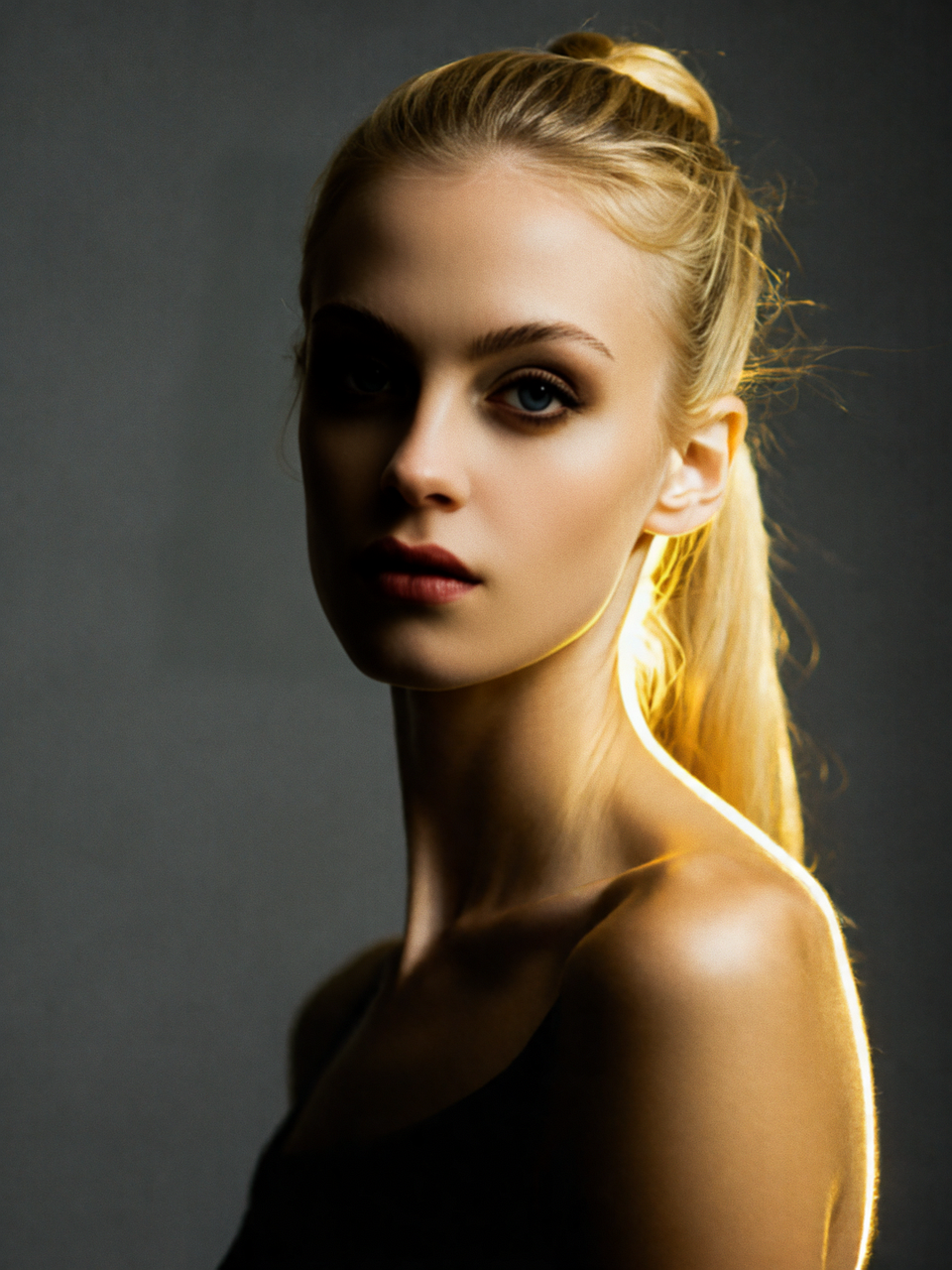 Contour Lighting |
 Overexposed Lighting | 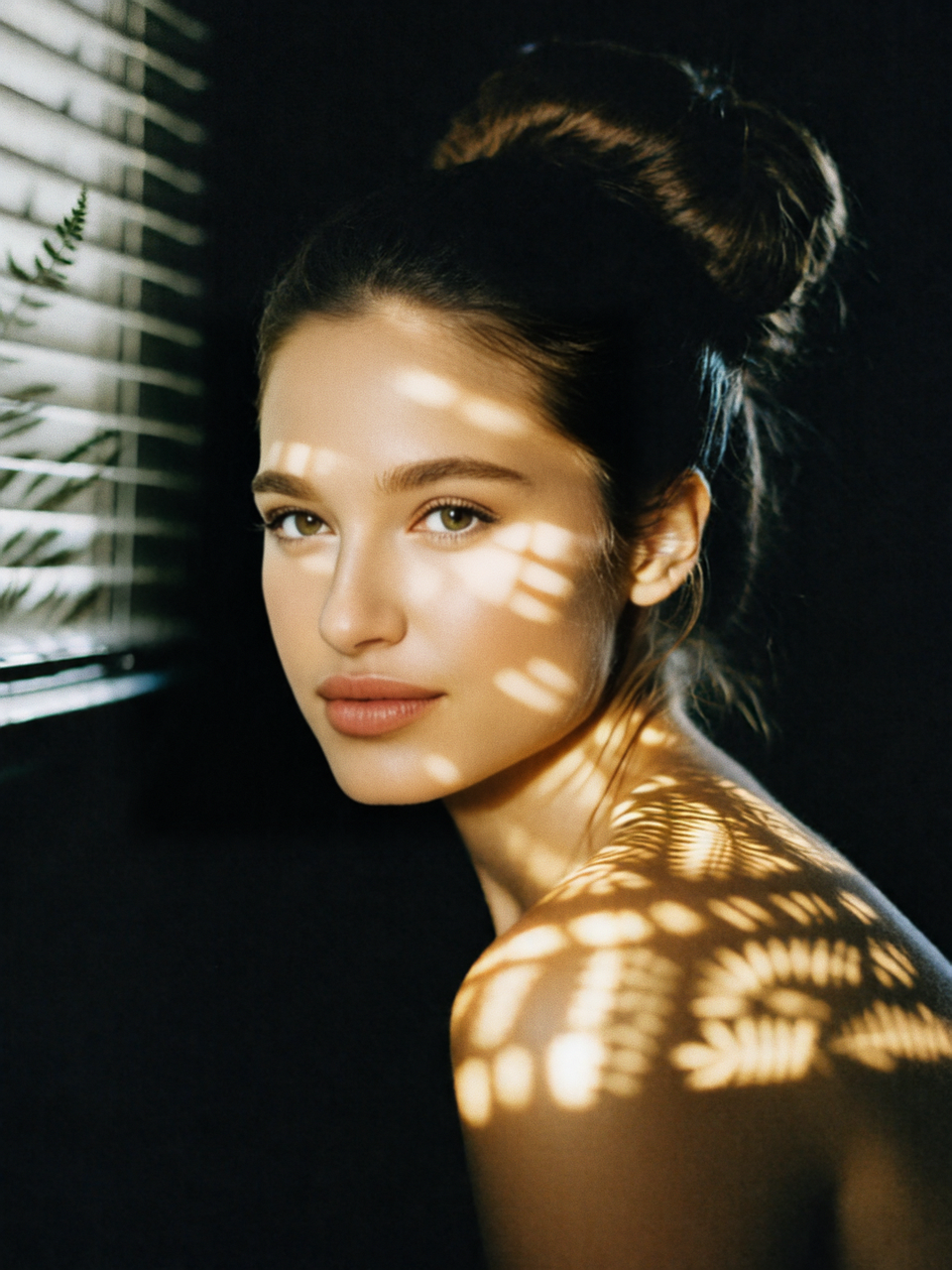 Gobo Pattern Lighting |  Back Hair Light |  Stage Lighting |  Cool Toned |
 Rembrandt Lighting |  Tyndall Scattering Light | 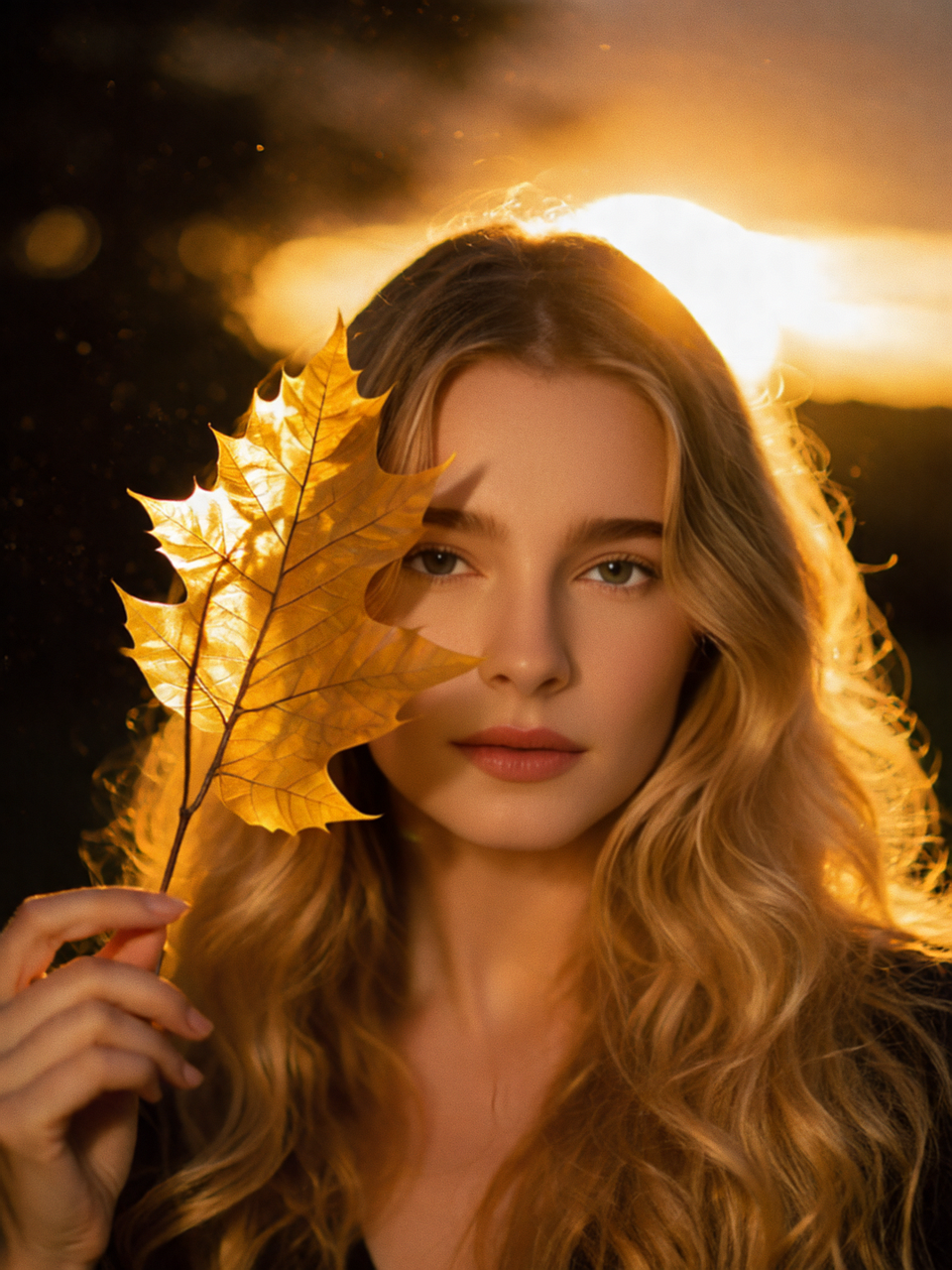 Golden Hour Backlighting | 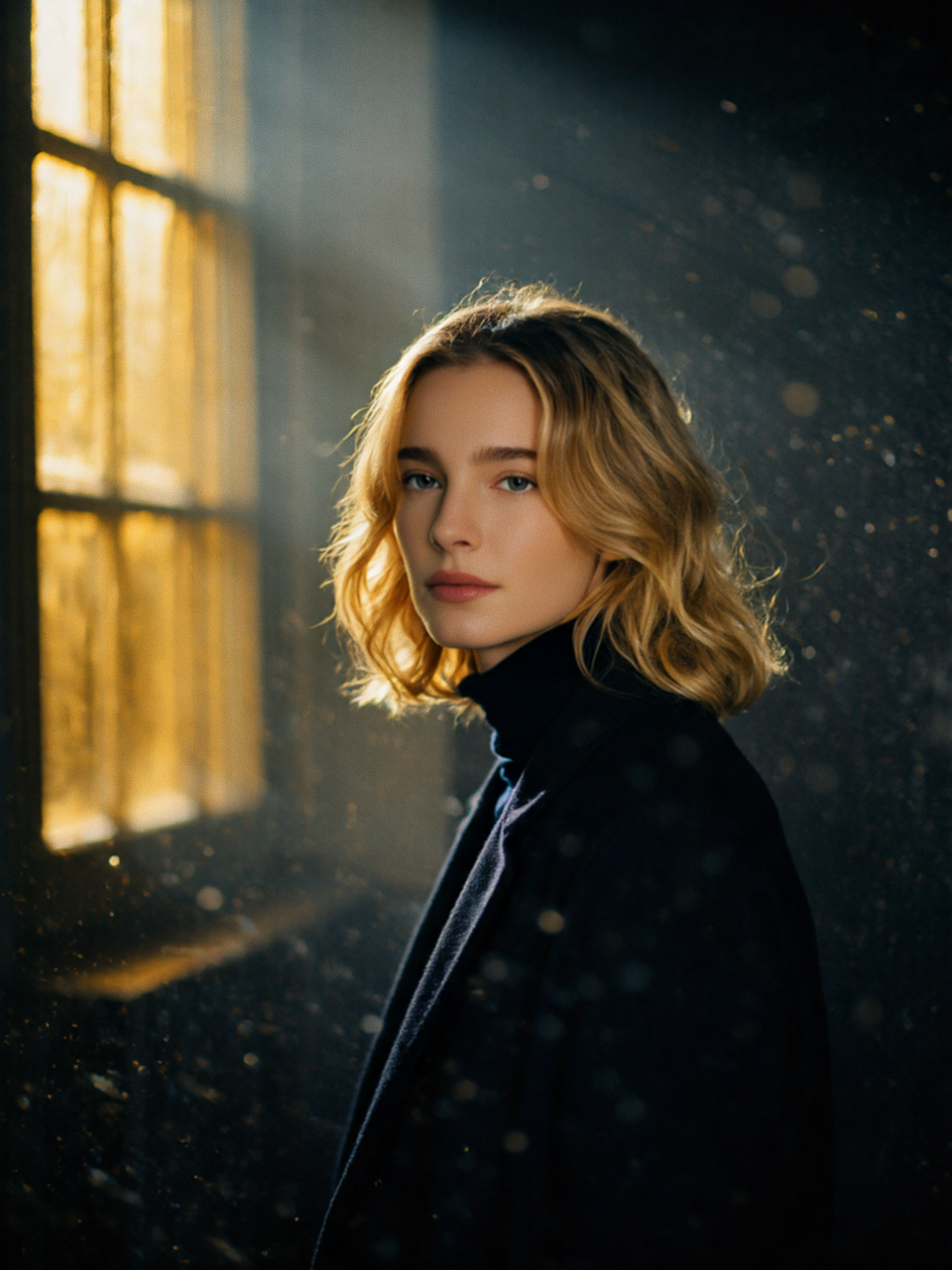 Window Diffused Light |  Split Color Lighting |
Material
 Felt |  Resin |  ABS Plastic |  Cardstock |  Bronze Statue |
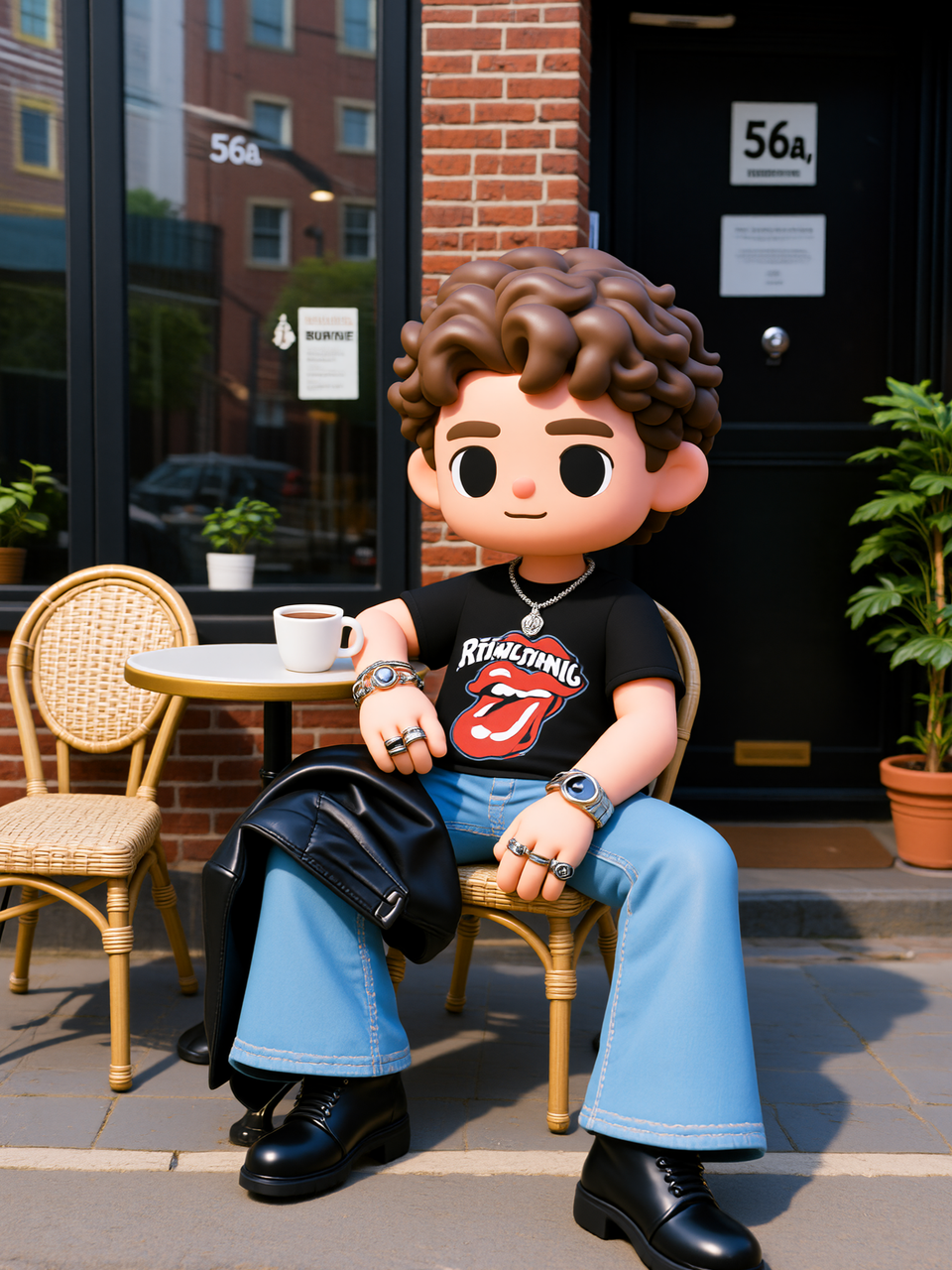 PVC |  Sculpture in clay |  Knitted Soft Toy | 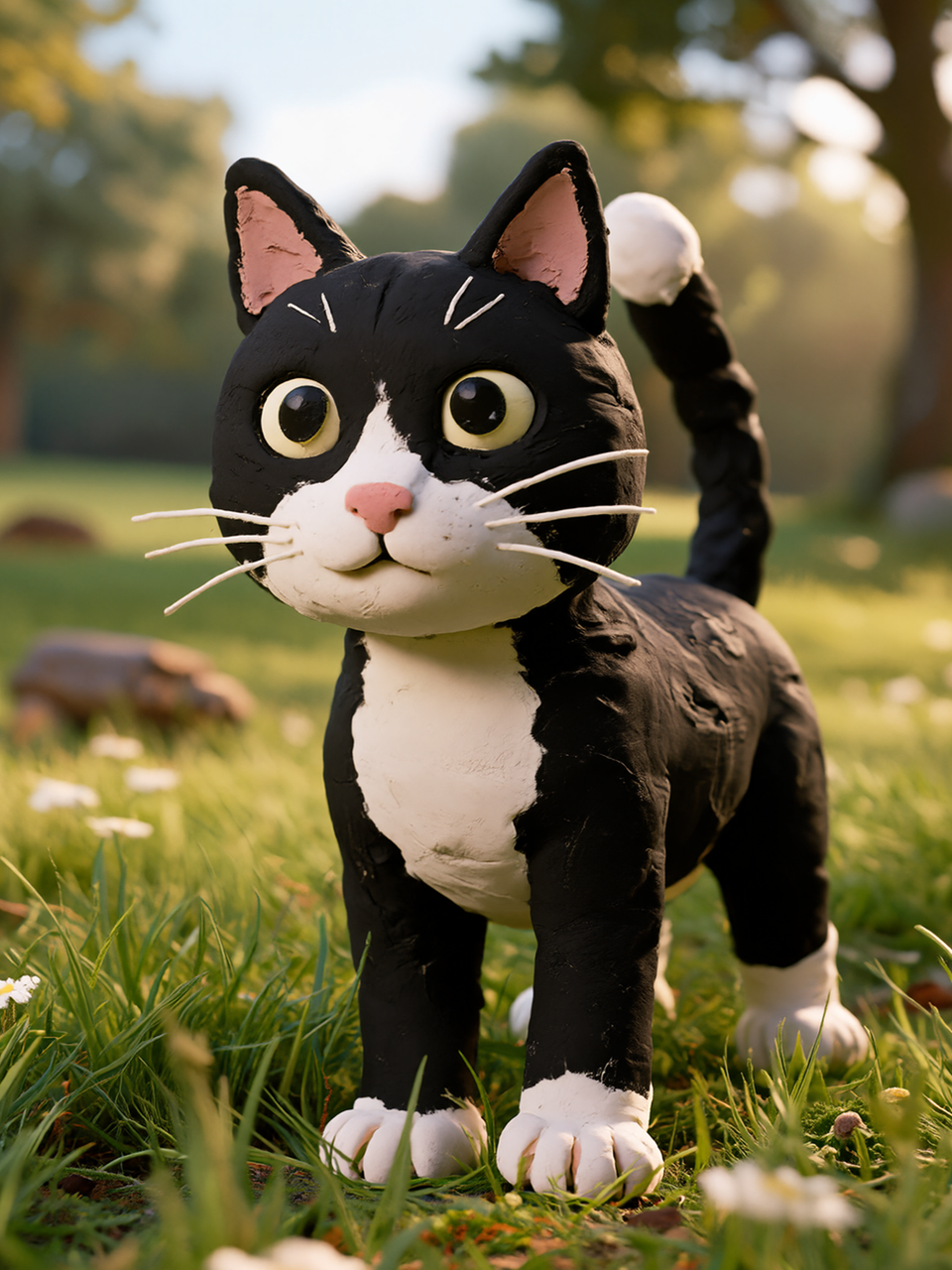 Clay Style |  Plush |
Art
 Fauvist |  VanGogh |  Renaissance |  Monet |  Classical Oil Painting |
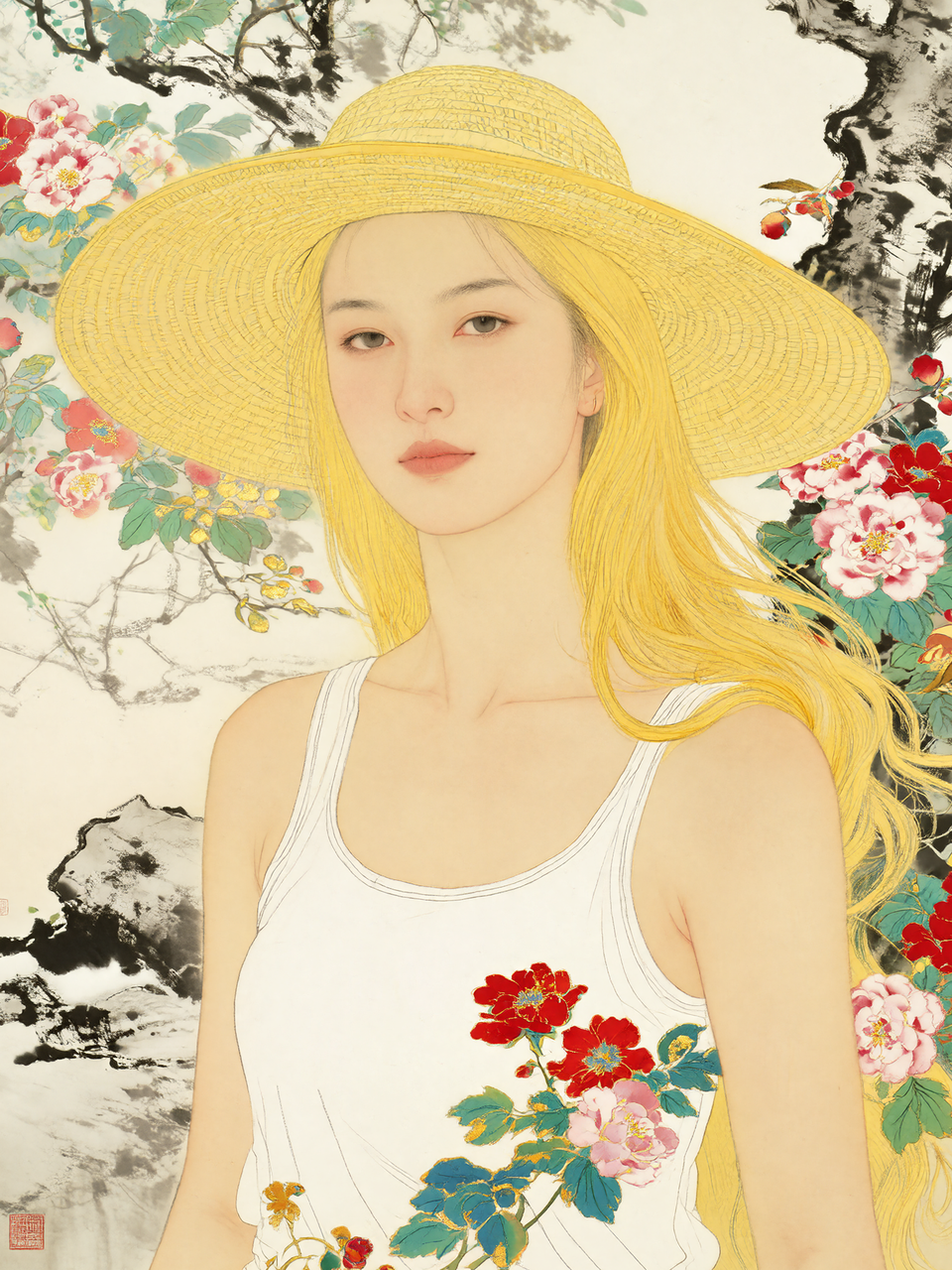 Fine Line |  Ink Wash |  Street Graffiti |  Vector Illustration |  Memphis |
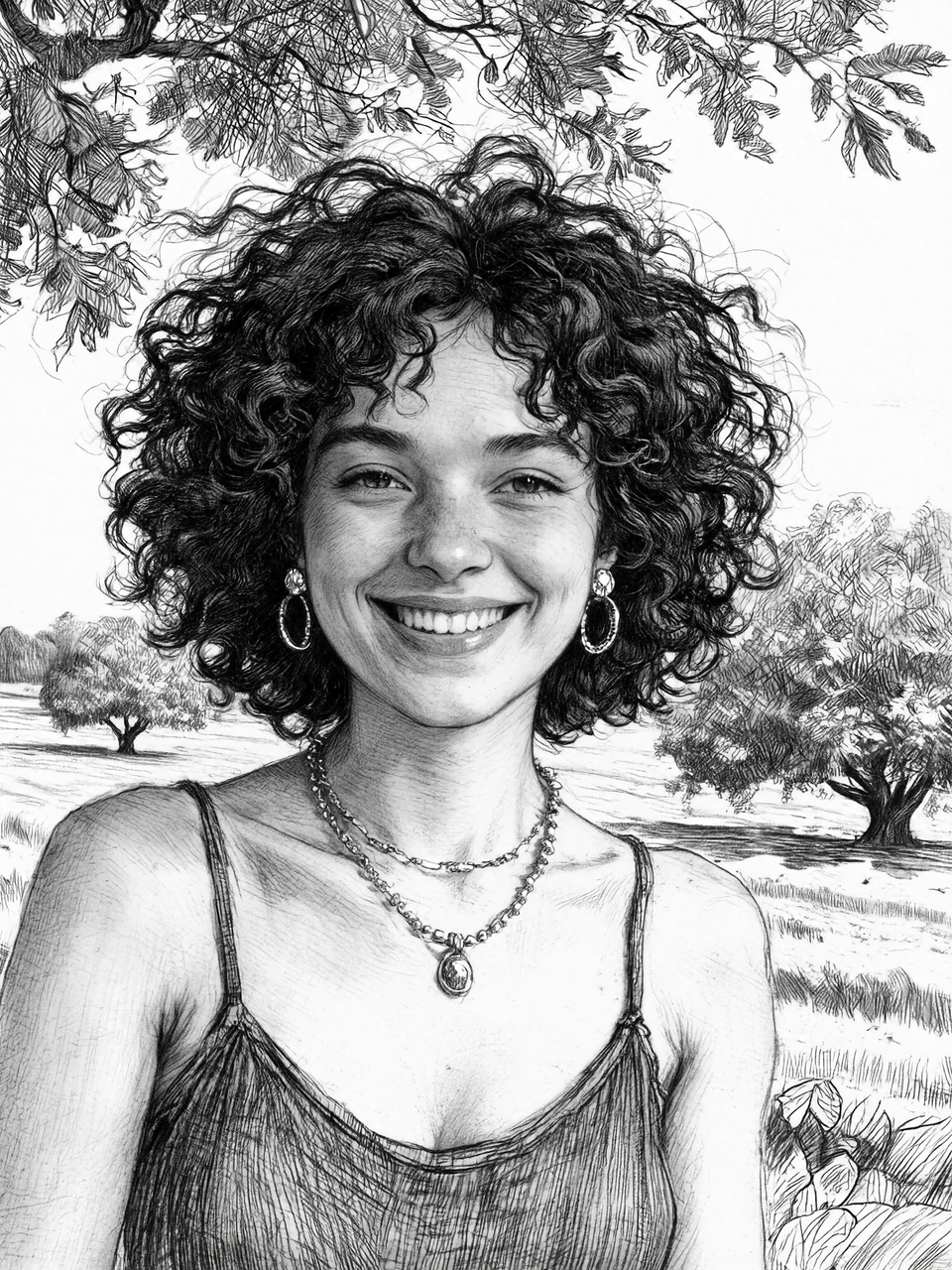 B&W Sketch |  Ballpoint |  Sculpture |  Pencil Sketch |  Woodcut |
Troubleshooting Prompt Results
If the AI Editor results are not producing what you expected, use this checklist to help refine your prompt and improve the final output.
| Problematic Prompt | Issue | Solution | Improved Prompt Example |
|---|---|---|---|
| Description is unclear | Lacks specific targets or evocative language | Make prompts more evocative and specify a target direction | "Enhance the lighting and shadow levels to make the picture more cinematic." |
| Missing retention class description | Changes the style but doesn't specify which original elements to preserve | Specify a change in content style while preserving the main features | "Apply Lego style, but keep the character's clothing and background unchanged, only change the style and color tone." |
| Descriptions are contradictory | The desired styles or characteristics conflict with each other | Aim for a unified content style goal | "Use realistic oil painting brushstrokes to depict real light and shadow." |
| Object reference is unclear | The subject to be generated is too general | Specify gender, age, and key characteristics | "Young light complected woman, blonde curly hair, smiling in natural light." |
| Lack of aesthetic appeal | Lacks detail regarding style, composition, and visual features | Add rich details about the style, light, saturation, perspective, and subject or scene | "Generate an image with Monet's oil painting content style, soft light and low saturation, a slightly upward perspective, featuring a young girl holding an umbrella and wearing a white dress, with green trees and blue sky in the background." |
Prompt Best Practices
Use natural language with a clear structure to describe the image content: subject, scene, and key details. Use short phrases to describe the aesthetic: style, color, lighting and shadow, and composition.
- Not recommended: "A girl in the sunlight, the picture looks nice, with oil painting feeling"
- Recommended: "A girl in a simple white dress smiles under warm afternoon sunlight as she stands on a garden path with soft light and shadow, rendered in an artistic oil painting style."
Guidelines
Improve instruction responsiveness
Use precise wording so the model can follow your intent more accurately.
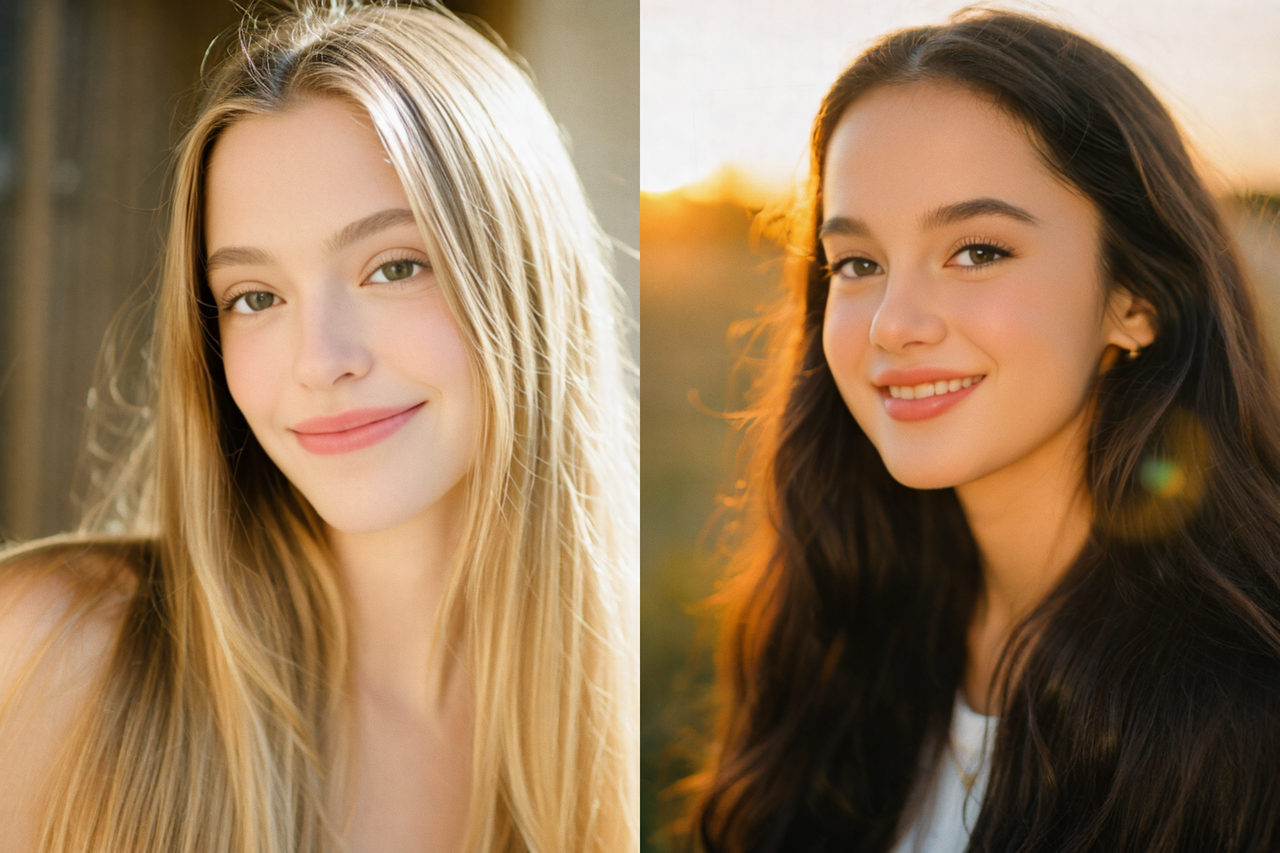
Prompt
- Not recommended: "Add light"
- Recommended: "Add a sunset glow."

Prompt
- Not recommended: "Movie portrait "
- Recommended: "A cinematic Hong Kong movie style portrait with dramatic lighting and warm neon tones."
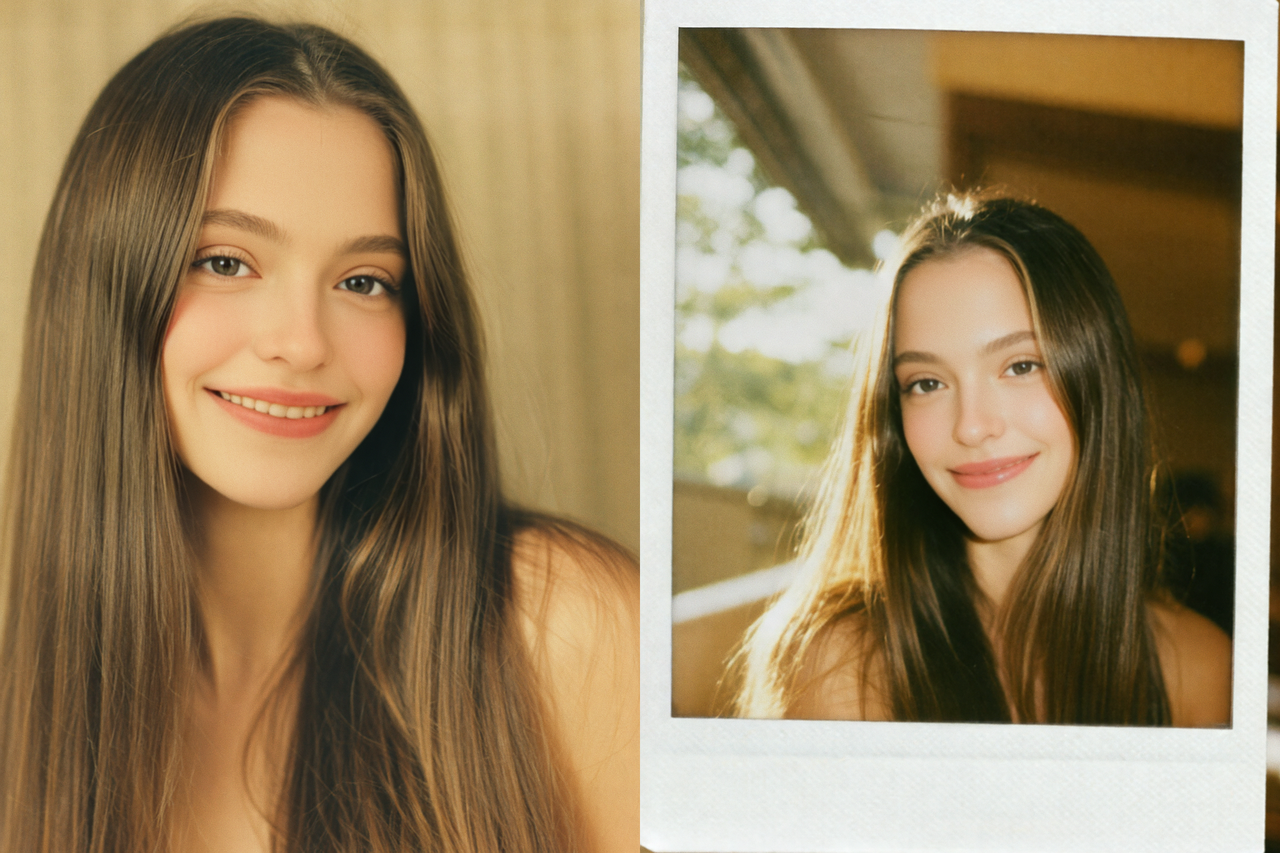
Prompt
- Not recommended: "Retro poly"
- Recommended: "A polaroid style portrait with subtle film grain."
Improve scene adaptability
When you have a clear use case, specify the purpose and image type.
For example: "For portrait photography effects, use a soft light and high saturation to highlight the subject."
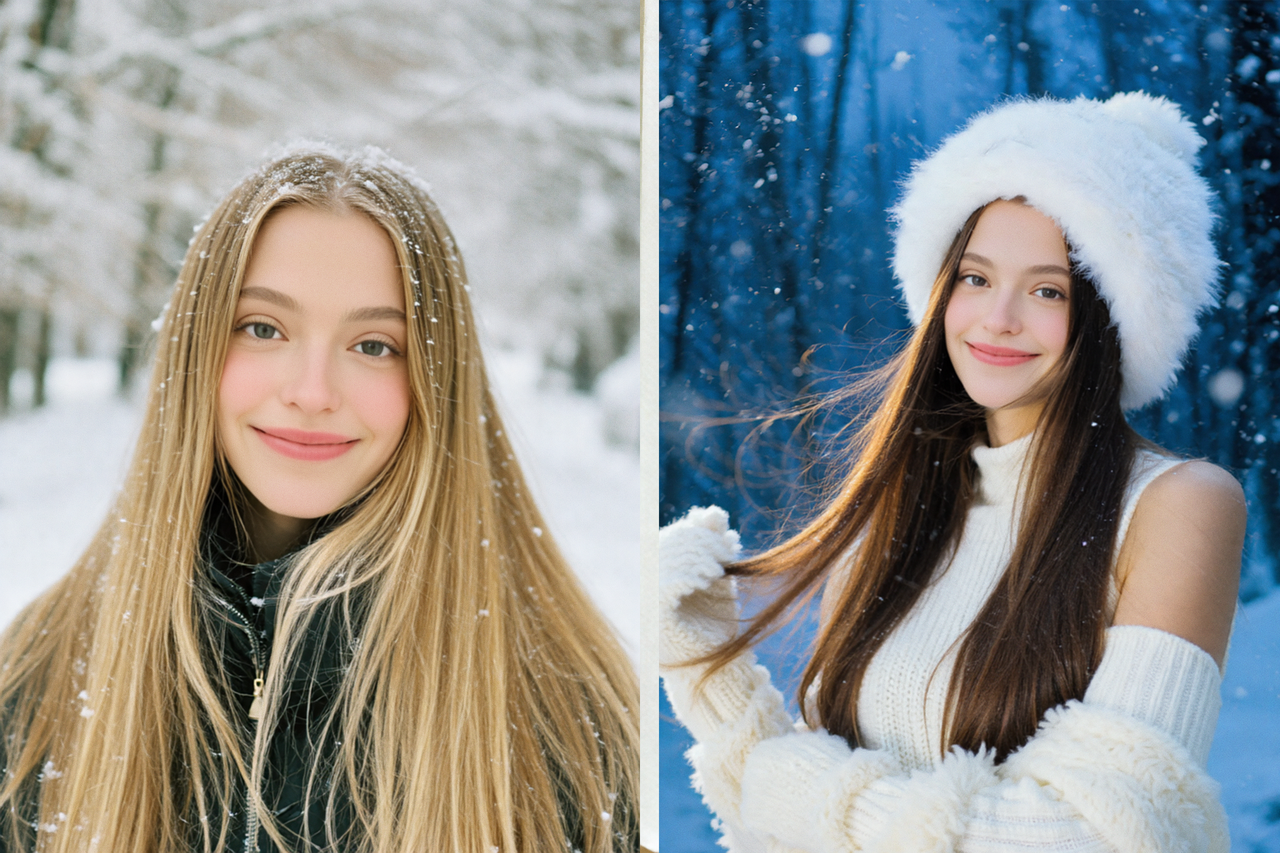
Prompt
- Not recommended: "In the snow"
- Recommended: "In a quiet forest covered in snow, snowflakes falling gently"
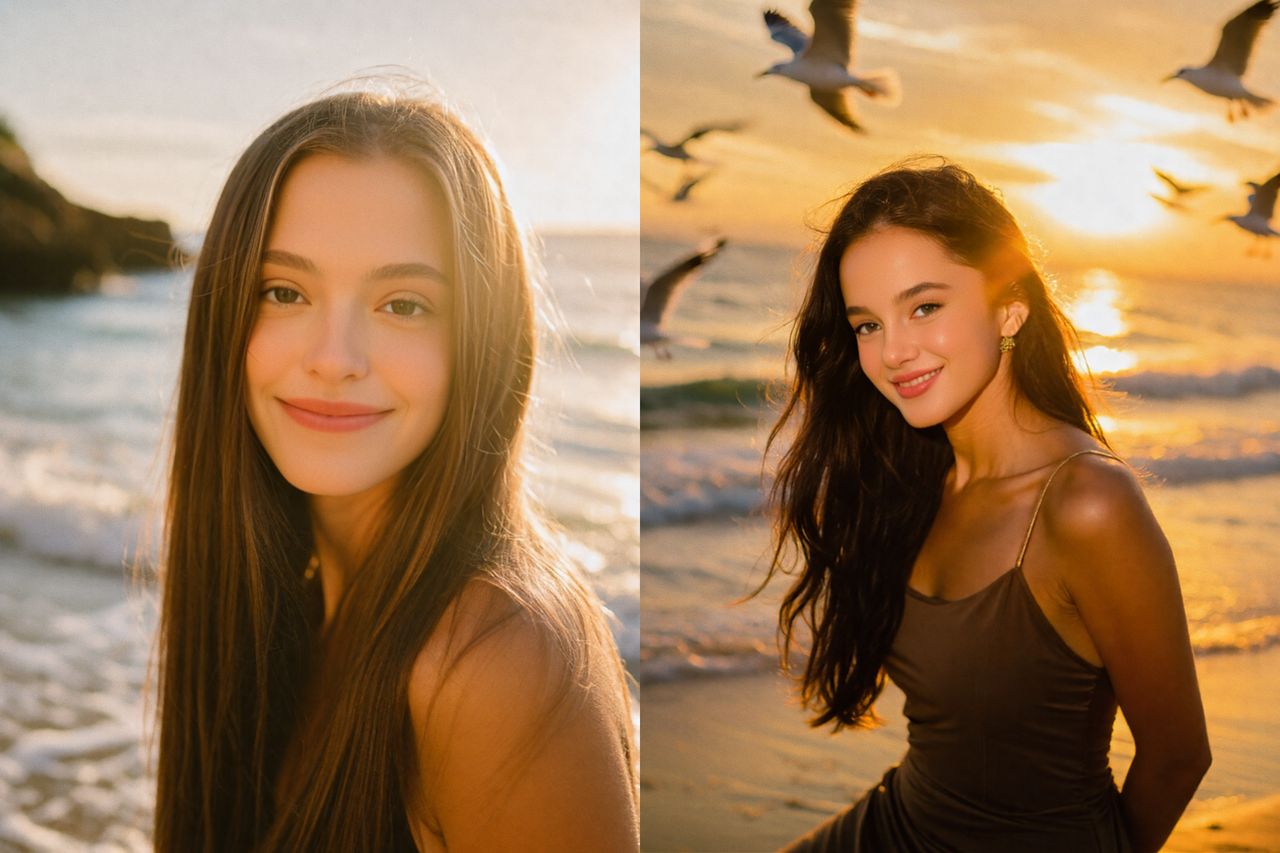
Prompt
- Not recommended: "By the sea, warm light"
- Recommended: "The warm hues of a beach sunset with a visible Tyndall effect." or "The warm hues of a beach sunset with a light scattering effect."
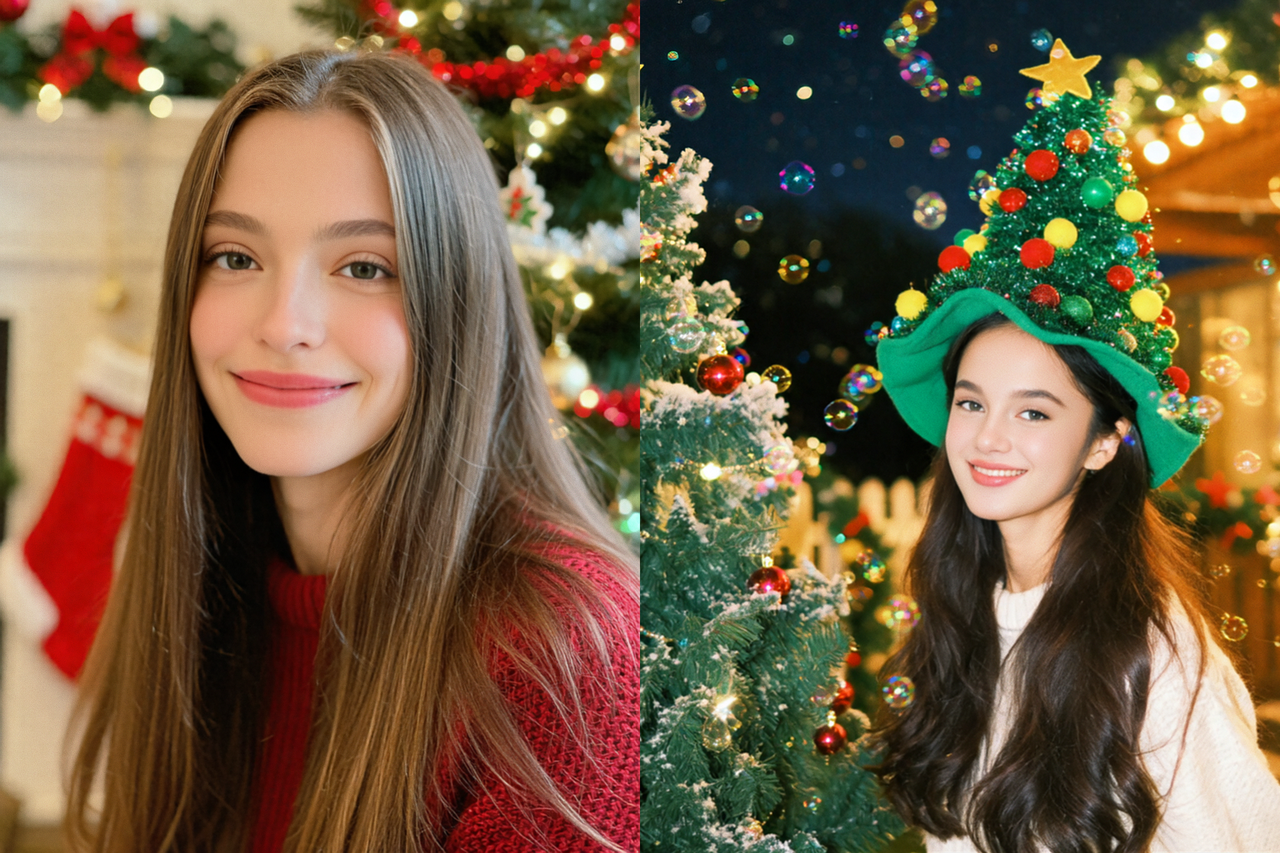
Prompt
- Not recommended: "Christmas"
- Recommended: "A festive Christmas portrait with a cheerful holiday atmosphere."
Improve prompt accuracy
Describe key subject traits, lighting, and composition to improve results.
For example: "An upper body portrait with a smiling expression and side backlighting."
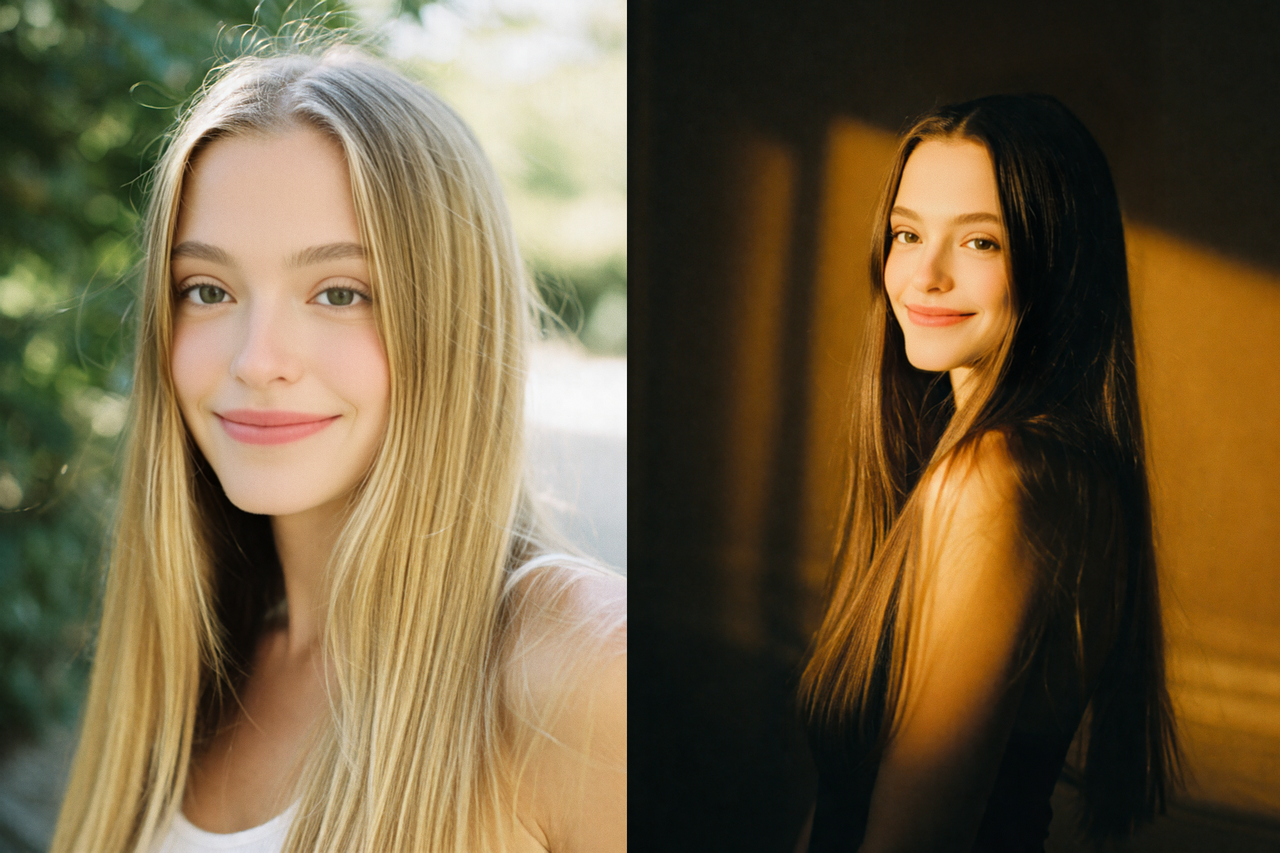
Prompt
- Not recommended: "Portrait"
- Recommended: "In the half length portrait, warm lighting casts deep cinematic shadows that create an atmosphere of elegant tranquility."
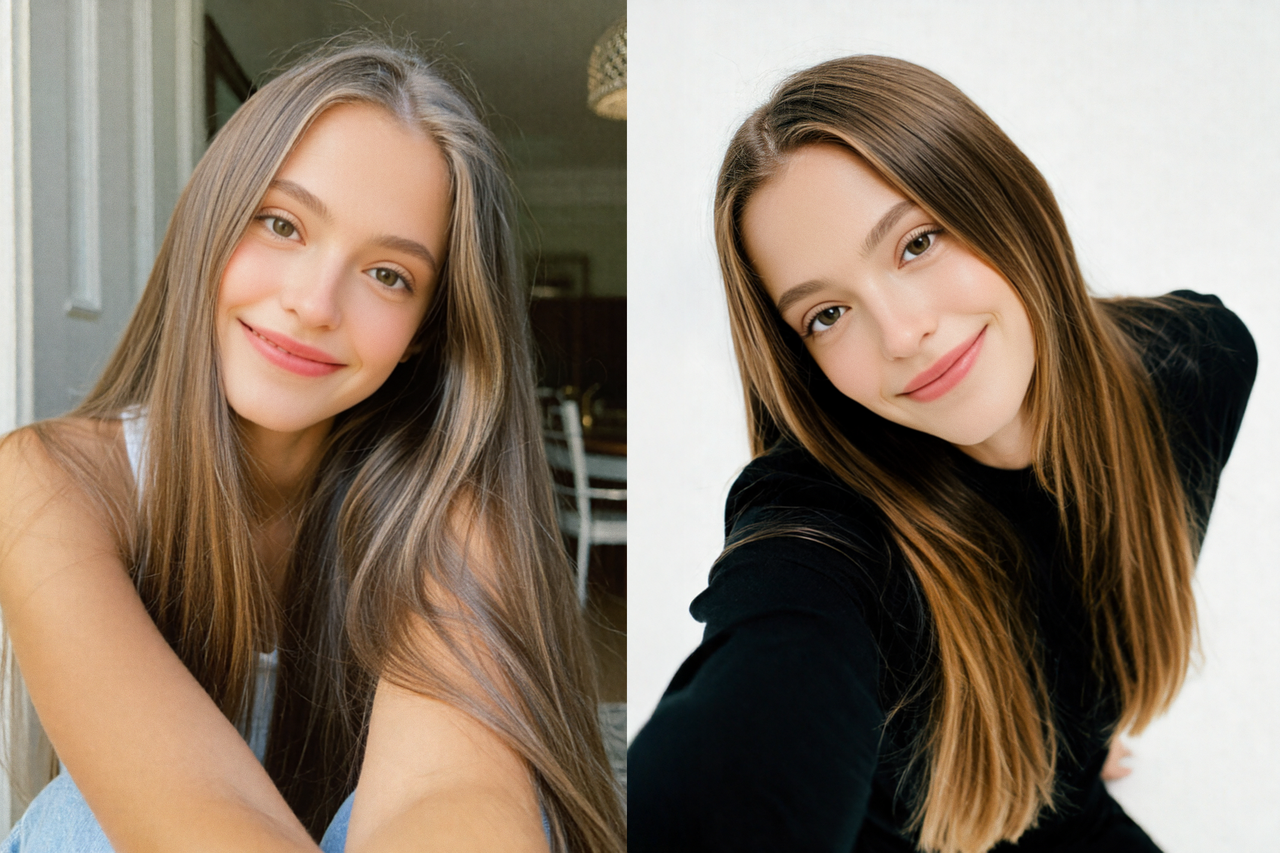
Prompt
- Not recommended: "Wide-angle"
- Recommended: "Low angle portrait photography uses a low camera position to emphasize the sense of perspective within the frame."
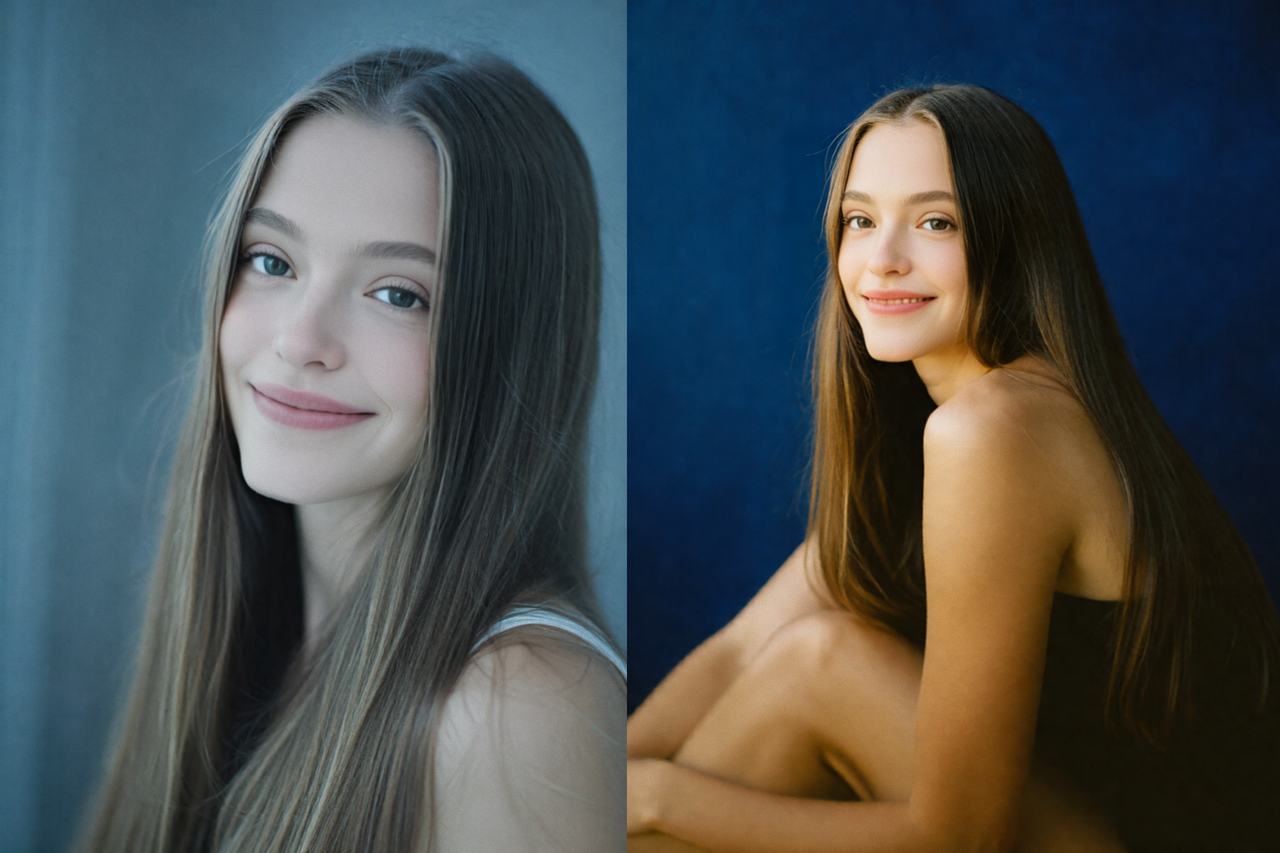
Prompt
- Not recommended: "Cool tones"
- Recommended: "In this cool toned portrait, diffused highlights and soft shadows blend together to create an atmosphere of refined restraint."