Ultra Portrait 3.0
AI Editor's Ultra Portrait 3.0 model turns an image into a dramatic studio portrait. By describing tones, environments, and overall scene aesthetics, you can transform simple prompts into polished portrait results. This guide covers the basics of how to get started with the Ultra Portrait 3.0 image model.
Use Ultra Portrait 3.0
To use Ultra Portrait 3.0 in AI Editor:
- Open Effect House and go to the Tool Bar
- Click AI Editor to open the AI Editor window
- Under Image Model, go to Base Model
- Select Ultra Portrait 3.0
- Under More Settings, adjust:
- Edge Sensitivity: Extracts outlines and structure so the model keeps a similar composition and shape while updating style, color, or details
- Face Similarity: Preserves a person's facial features to help maintain identity consistency in the output

- Enter a prompt. (Refer to the Prompt Examples below.)
- Click Generate
Prompt Examples
| Reference Image | Generated Effect | Example Prompt |
|---|---|---|
 | 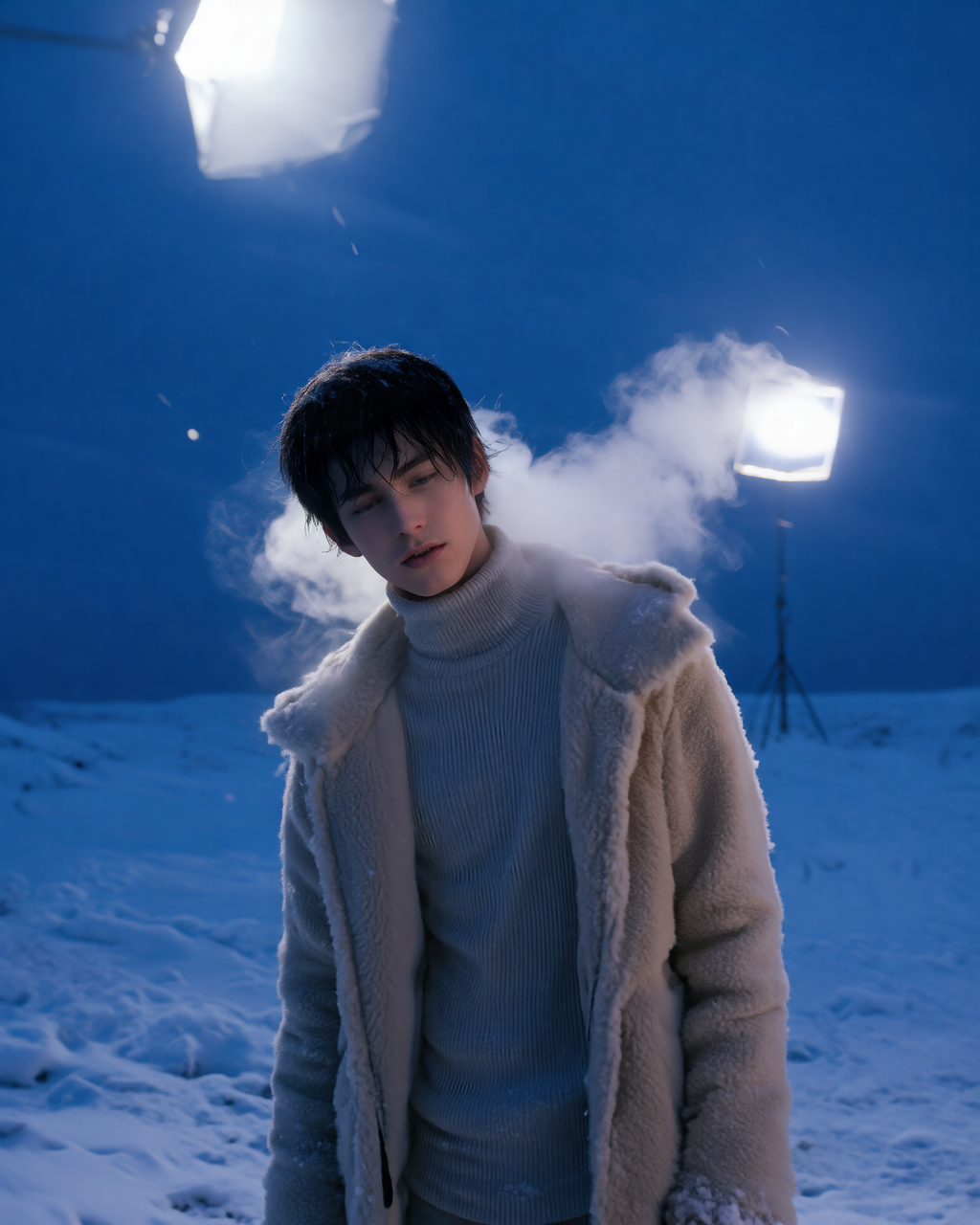 | "Blue-hour snowy forest; drifting snow and mist; cool blue tones, rim light, shallow DOF, cinematic." |
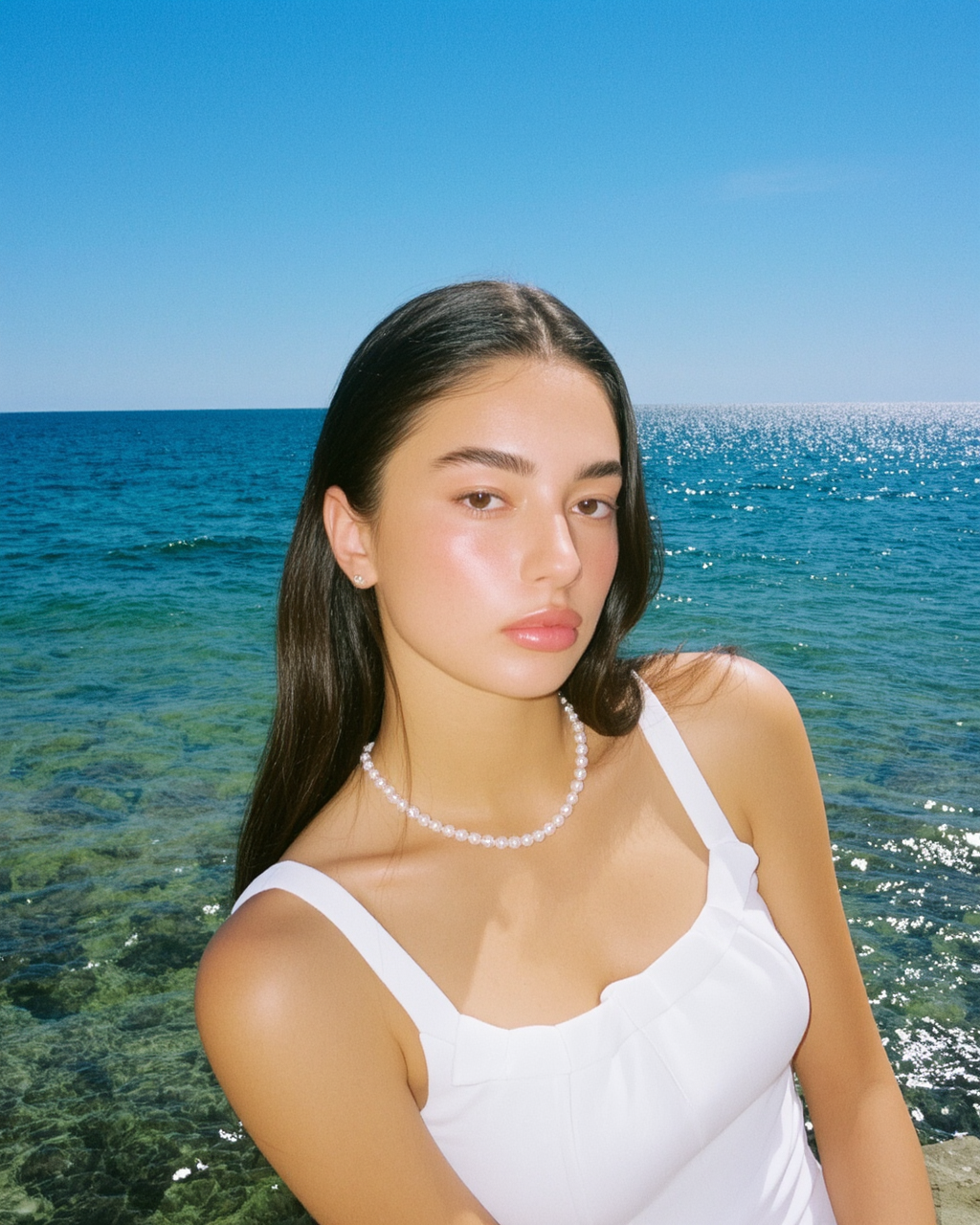 | 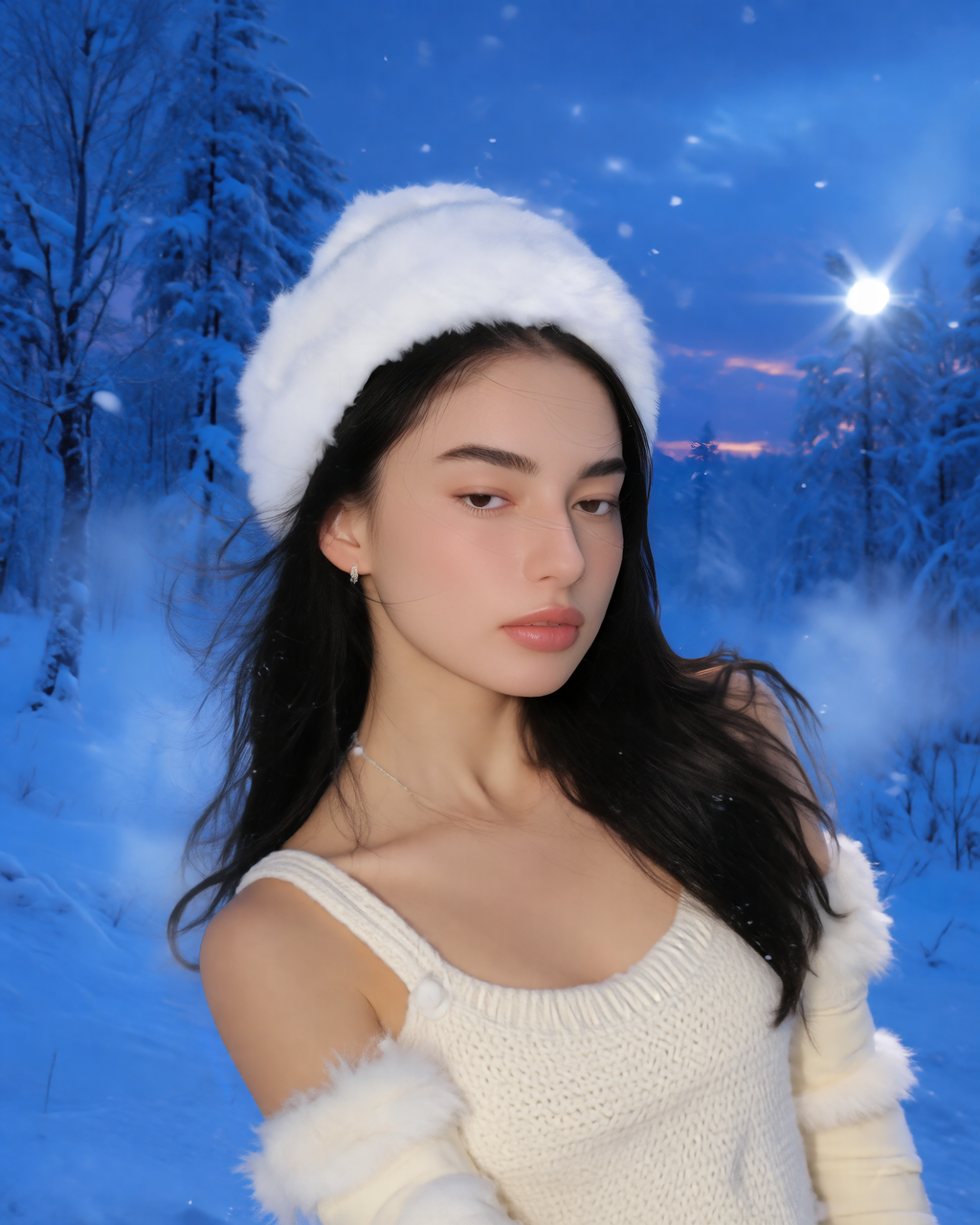 | "Blue-hour snowy forest; drifting snow and mist; cool blue tones, rim light, shallow DOF, cinematic." |
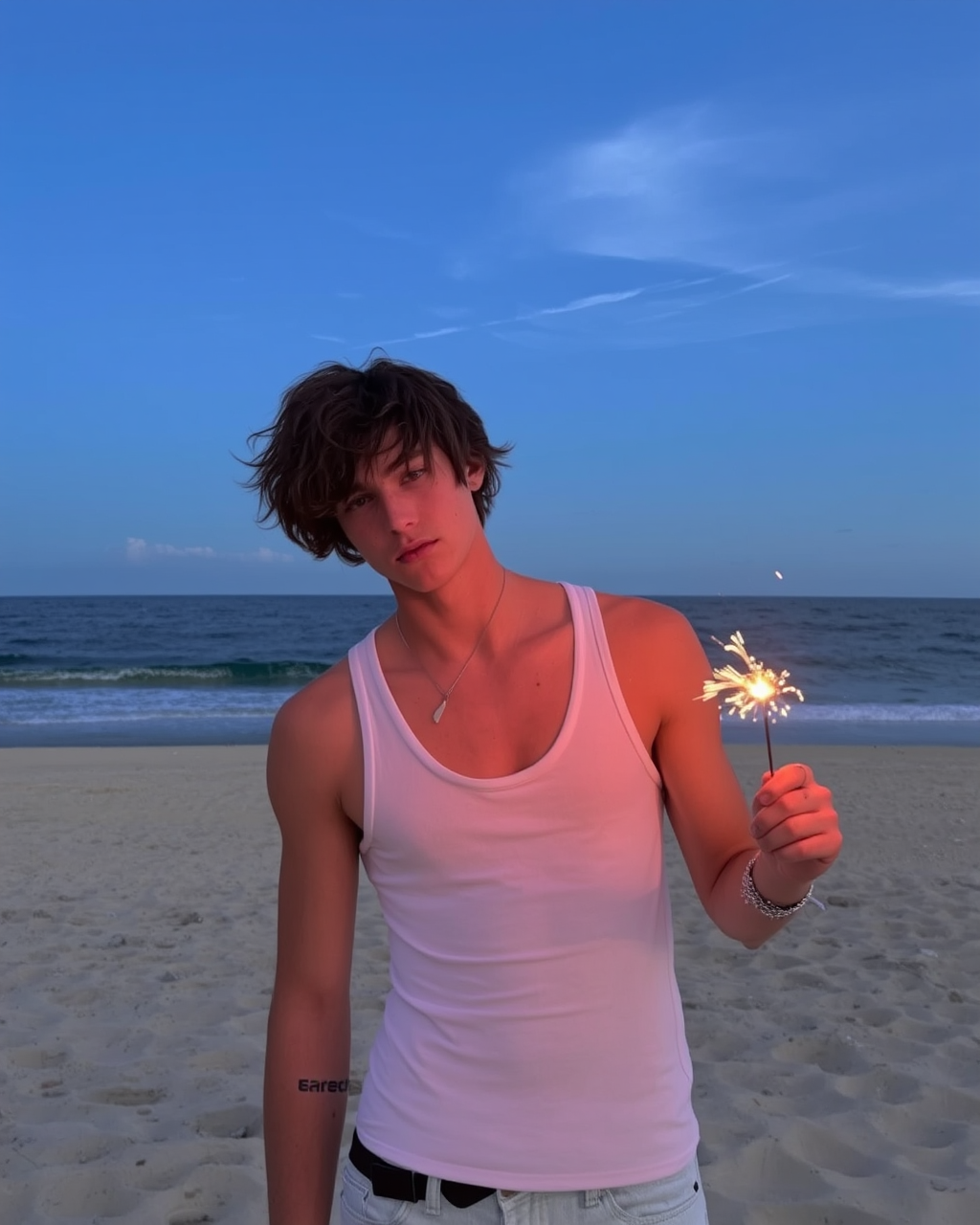 | 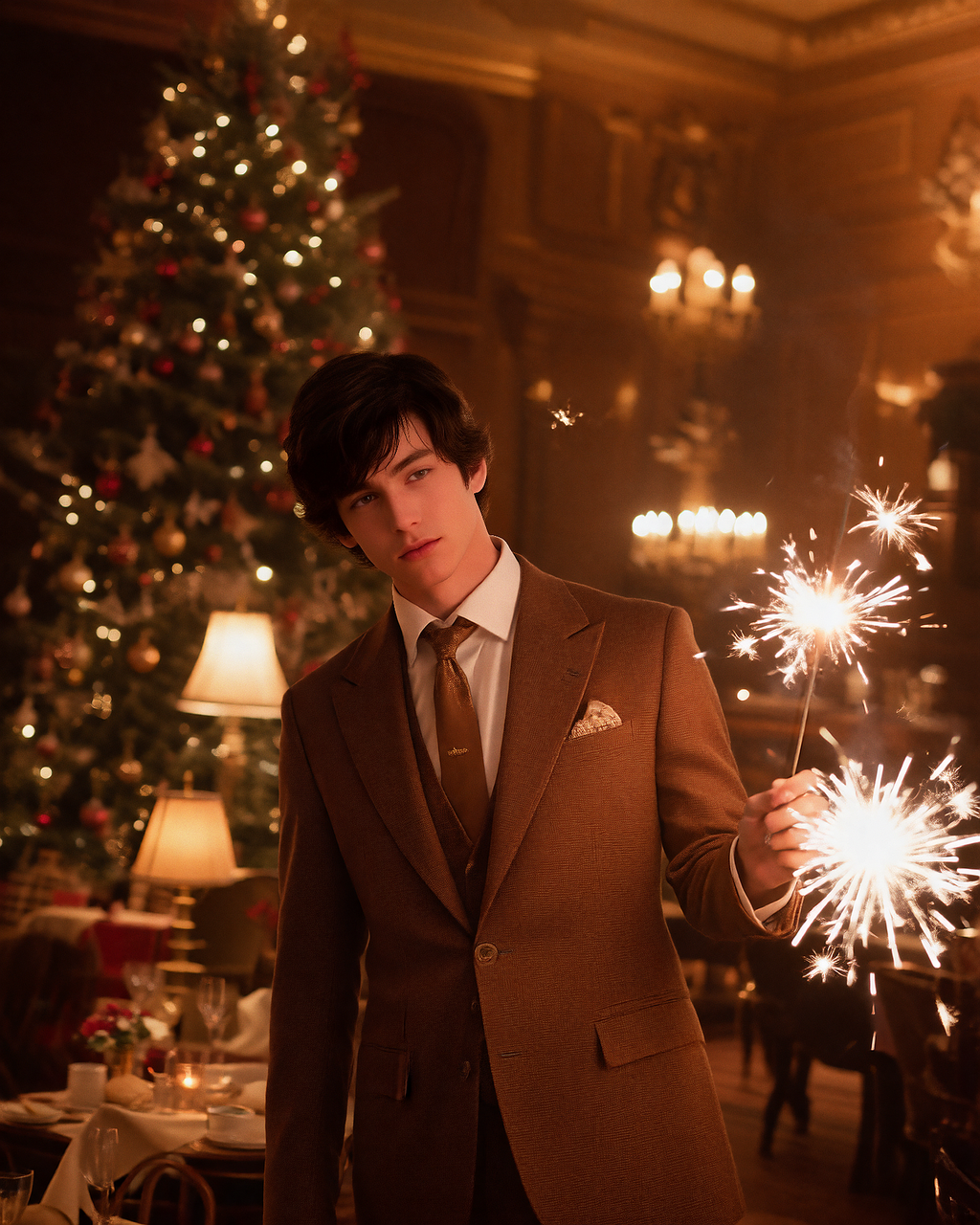 | "Christmas film style, warm, vintage tones, Fujifilm colour palette, delicate film grain" |
 |  | "Christmas film style, warm, vintage tones, Fujifilm colour palette, delicate film grain" |
 |  | "Sunset beach shoreline; pastel sky and gentle surf; warm-cool glow, soft rim light, shallow DOF, cinematic." |
 | 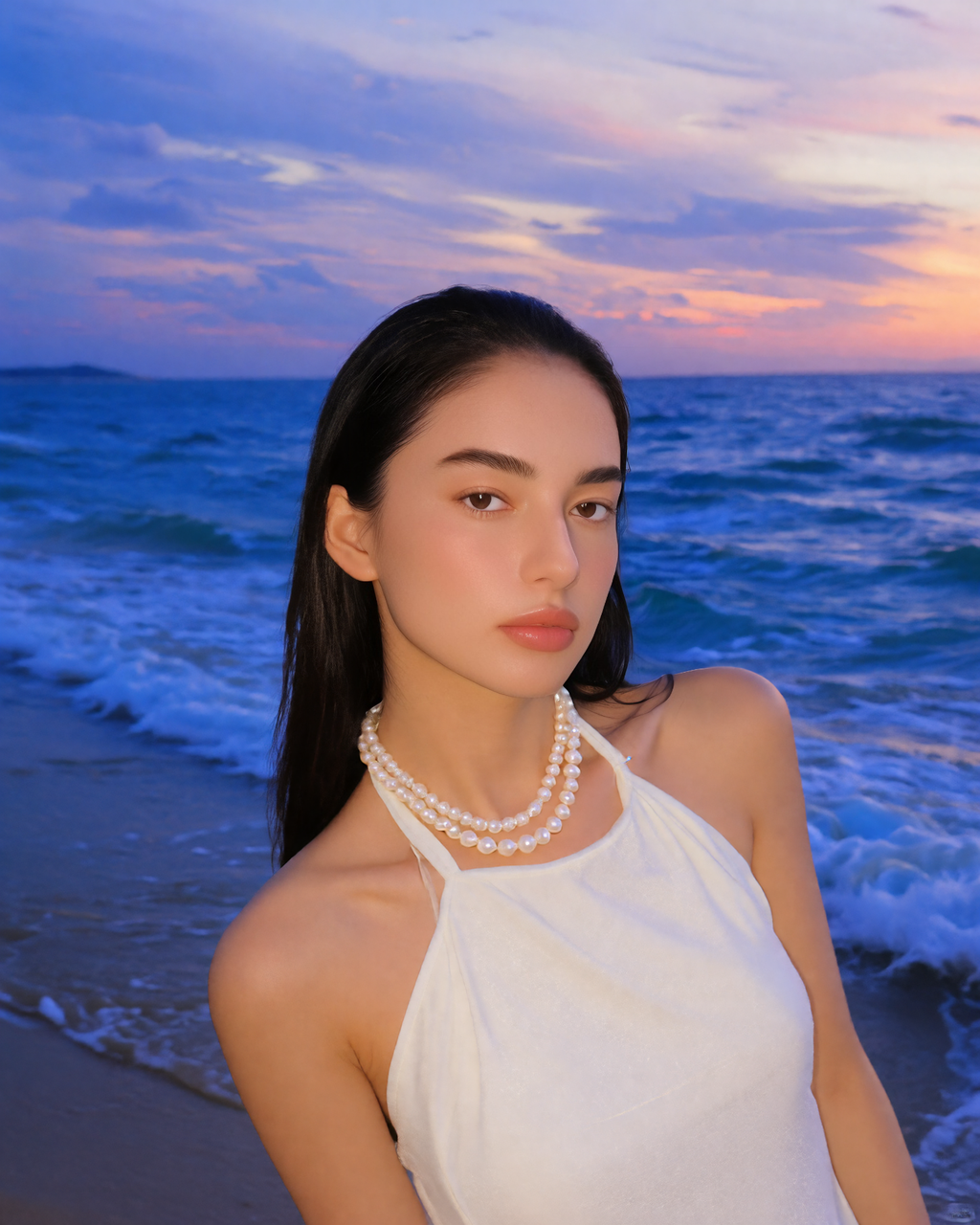 | "Sunset beach shoreline; pastel sky and gentle surf; warm-cool glow, soft rim light, shallow DOF, cinematic." |