Eye Effect
Add an Eye Effect object to apply an eye shadow effect to your face.

You can download the following file for a face mask reference. Use your preferred 2D design software to create your own face mask textures.
↓ face_mask.zipAdd an Eye Effect Object
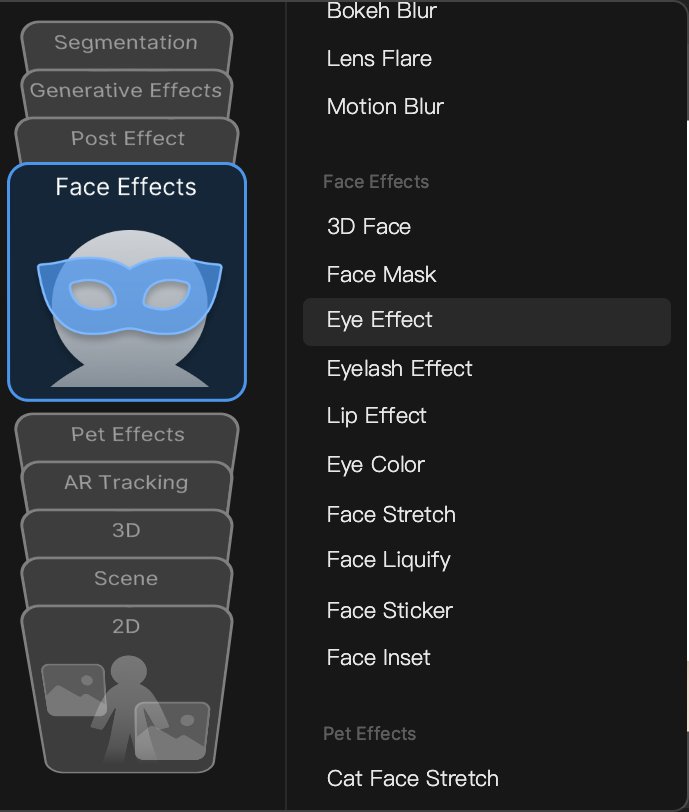
Go to the Hierarchy panel and click the Add button [+] > Face Effects > Eye Effect.
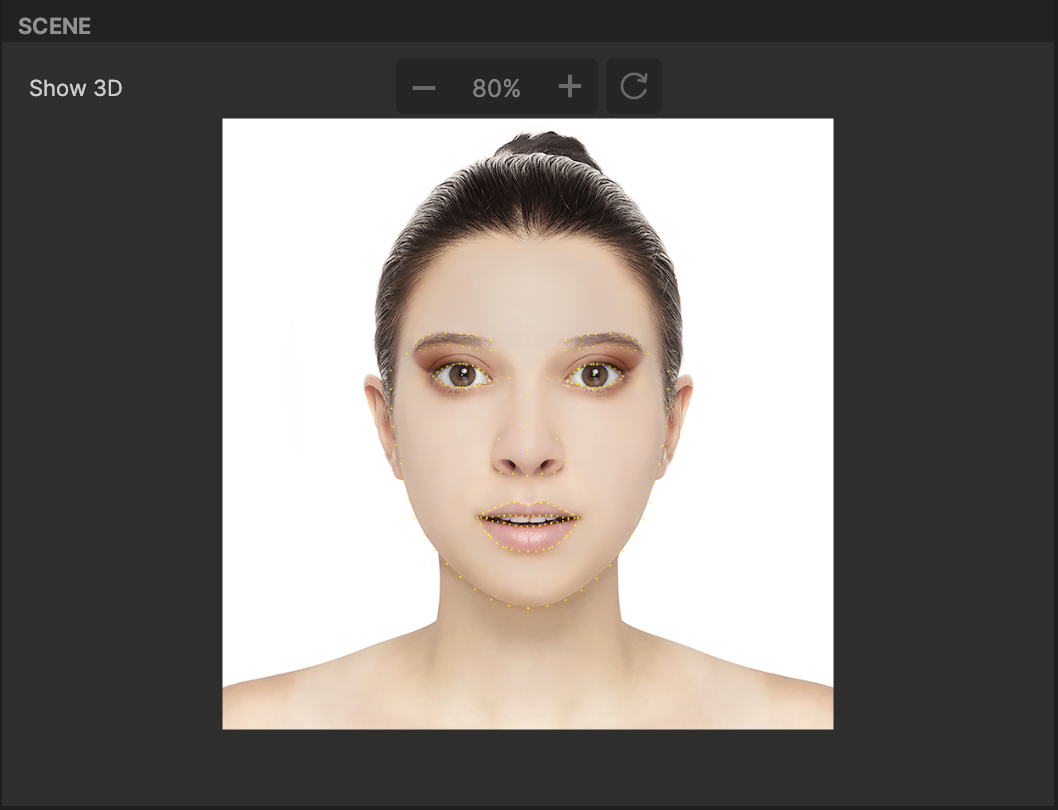
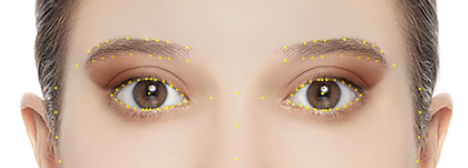
After you add an Eye Effect object, a reference model appears in the Scene panel. This reference model, as well as your preview, will reflect your eyeshadow customization.
Object Hierarchy
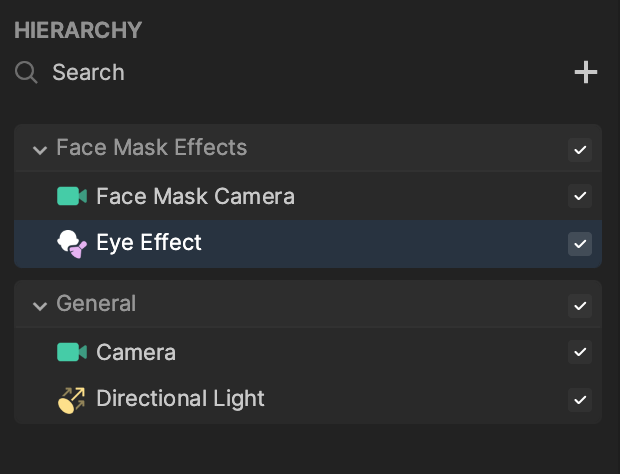
Starting in Effect House v2.0.0, the Eye Effect object is automatically added to the Face Mask Effects render group in the Hierarchy panel. Learn more about render groups.
Components
The Eye Effect object is made up of the following components, found in the Inspector panel:
- Face Mask, with Face Region set to Eyes.
- Transform
- Mesh Renderer