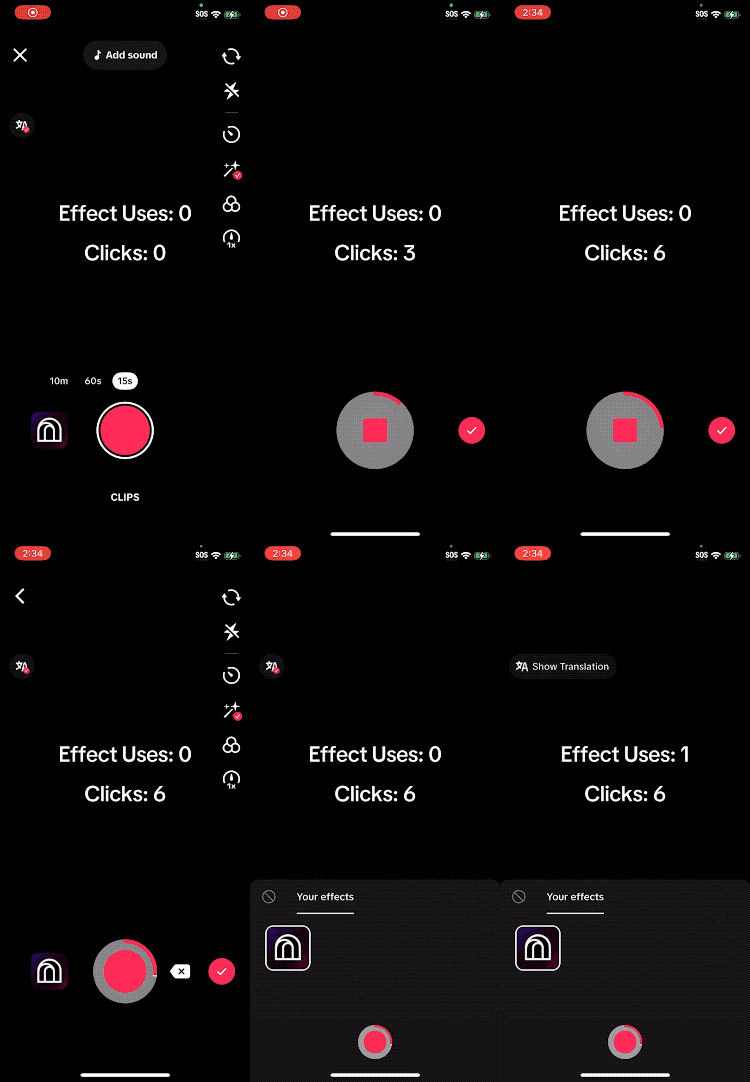
Cloud Data Nodes Overview
Cloud Data Nodes allow effects to persist data across multiple user sessions. These nodes enable creators to read effect usage data provided by TikTok or creators can make their own data that is stored in the cloud.
Get Effect Usage Data
How It Works
- A pulse is triggered on the Enter port
- The node loads effect usage data from the server
- Data is output through the node's output ports
- The Loaded port pulses once the data has finished loading
What It Provides
The Get Effect Usage Data node exposes useful information about a user’s post and usage history for your effect.
A common example is User Usage Days, which represents how many days a user has used the effect.
Use Cases
- Change the effect each day a user uses it
- Display a days-used counter
- Alter core logic or AI behavior based on long-term usage
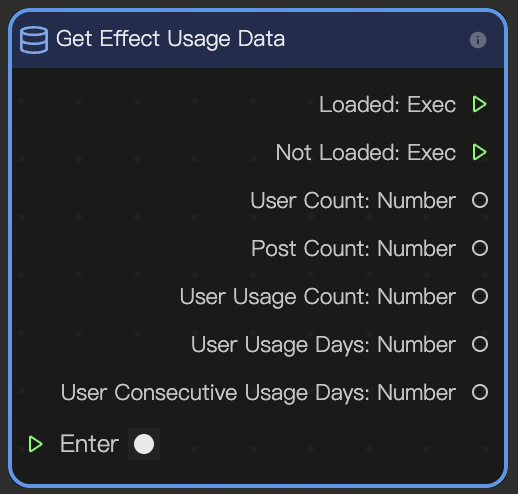
Output
| Name | Data Type | Description |
|---|---|---|
| Next | Exec | Triggers the next node in the chain. |
| Publish User Count | Number | Number of users who have published the effect. |
| Publish Count | Number | Total number of times the effect has been published. |
| User Publish Count | Number | Number of times the current user has published the effect. |
| User Publish Days | Number | Number of days the current user has published the effect. |
| User Consecutive Publish Days | Number | Number of consecutive days the current user has published the effect. |
Loading and Saving Data
If you need to store your own information, you will use the Load Data node and the Save Data node together.
Load Data
How It Works
- A pulse is triggered on the Enter port
- Stored data is pulled from the server
- Values are output into the effect for use at runtime
The Load Data node behaves similarly to the Get Effect Usage Data node, but retrieves creator-defined data instead of system-generated usage data.
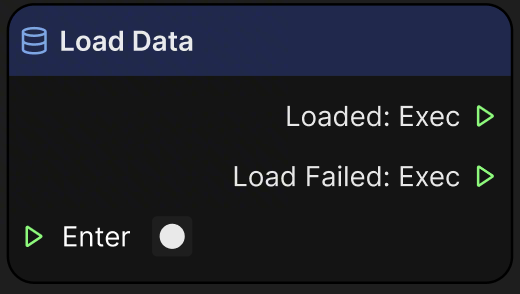
Input
| Name | Data Type | Description |
|---|---|---|
| Enter | Exec | The input execution that triggers this node. |
Output
| Name | Data Type | Description |
|---|---|---|
| Loaded | Exec | Triggers when data is loaded successfully. |
| Load Failed | Exec | Triggers when data loading fails. |
Save Data
How It Works
- The Enter port must be pulsed while the effect is recording
- Data is queued for saving
- When the user publishes their recording, the saved data is sent to the server
Data is not written to the server immediately. Saving only occurs once the recording is published.
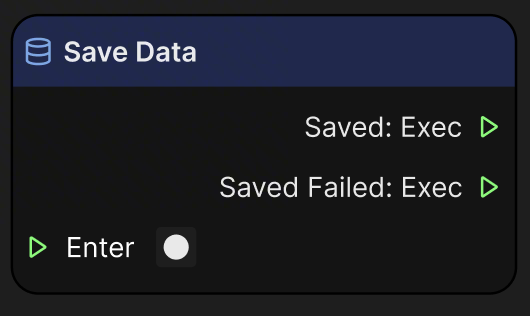
Input
| Name | Data Type | Description |
|---|---|---|
| Enter | Exec | The input execution that triggers this node. |
Output
| Name | Data Type | Description |
|---|---|---|
| Saved | Exec | Triggers when data is saved successfully. |
| Saved Failed | Exec | Triggers when data saving fails. |
Selecting Data to Store
Setup
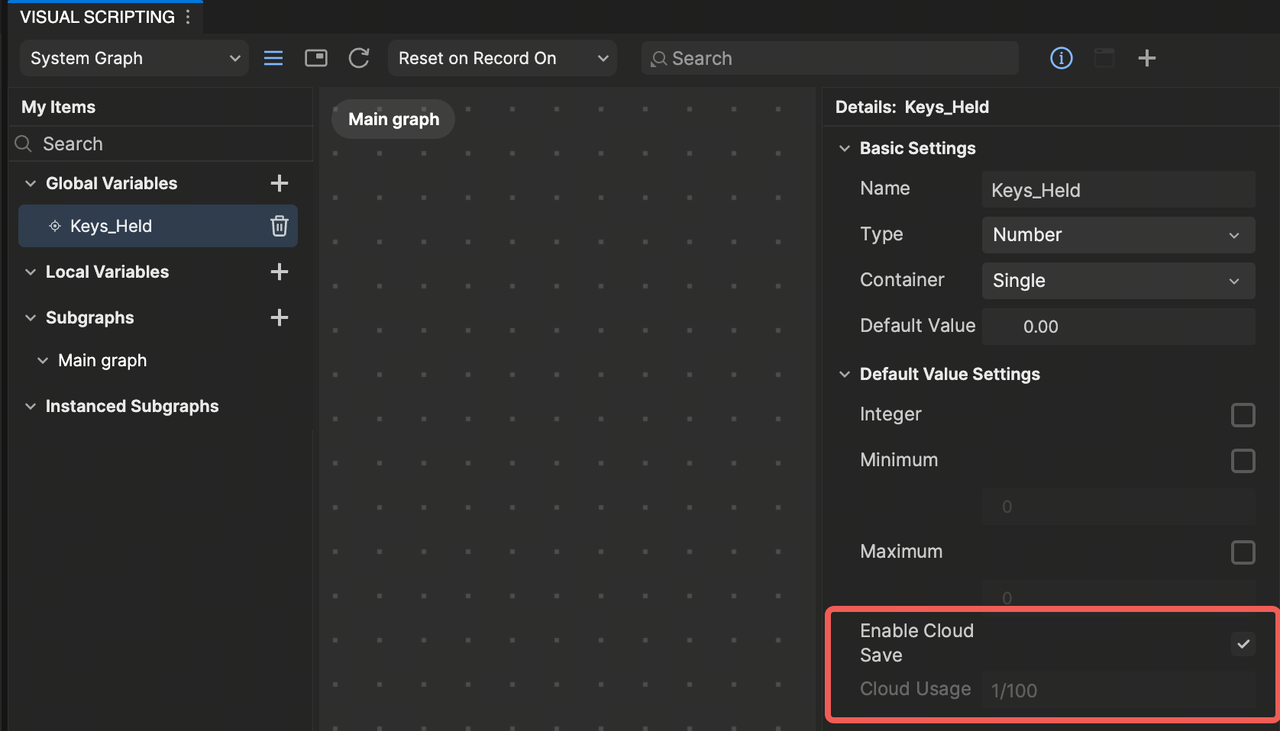
To select which variables are stored in the cloud:
- Open My Items in the Visual Scripting graph
- Enable Enable Cloud Save on the desired variable Limitations
- Only Number type variables can be saved
- A maximum of 100 numbers can be stored per effect
Testing and Best Practices
Saving During Recording
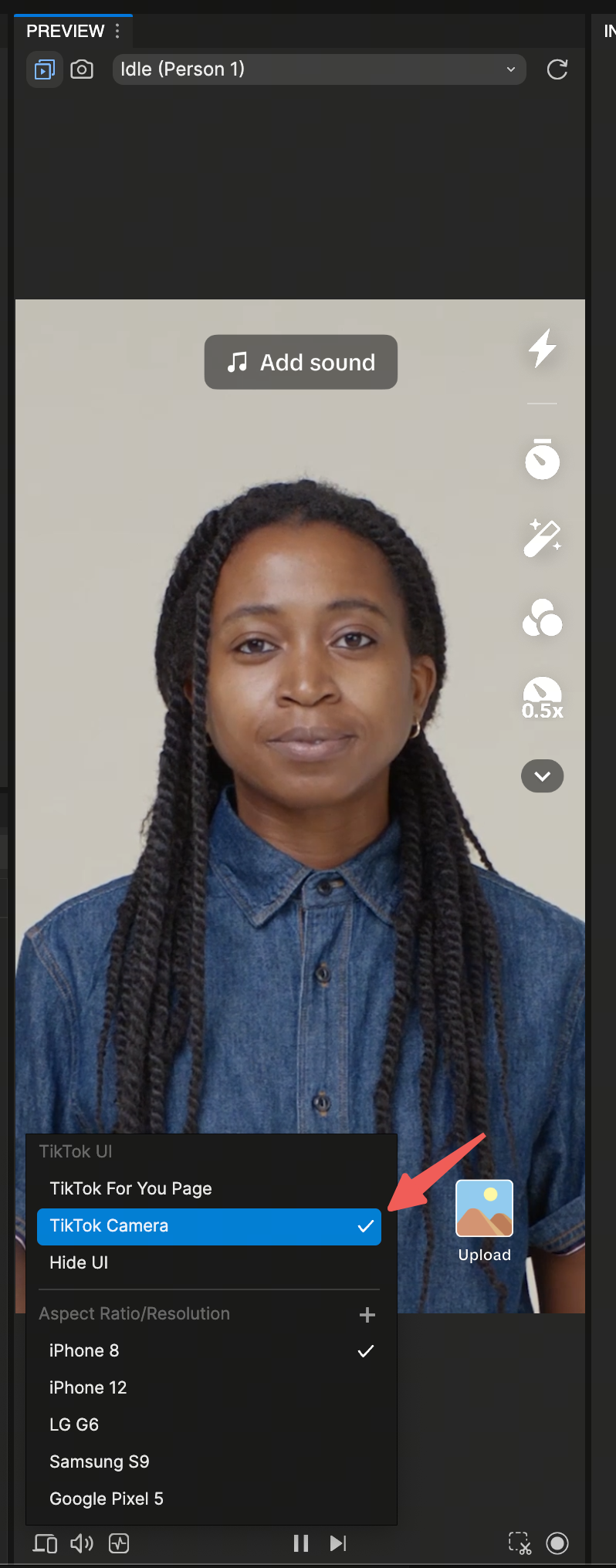
A recommended pattern is connecting the Save Data node to the Video Record node's On Start output. This ensures data is captured whenever recording begins. To test this behavior in Effect House, adjust the Preview UI to enable a Record Button.

Preview Resets
When previewing in Effect House, altering the visual scripting graph by adding a new node causes the effect to partially reset.
This behavior is useful for testing loading and saving data:
- The effect resets and reloads any saved data
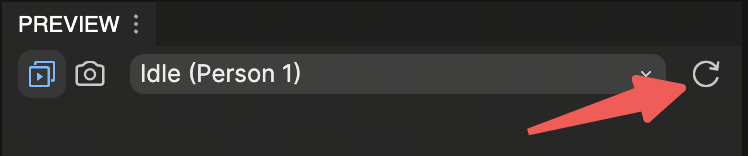
- Get Effect Usage Data values increase each time the effect partially resets using preview data To view initial values again, reset the effect using the Reset button in the Preview Panel.
QR Code Preview
QR Code Preview is another way to test loading and saving data.
- Disable and re-enable the effect
- This triggers an effect reset
- Load Dat and Get Effect Usage Data nodes reload stored values