Outline
Outline allows you to easily apply an outline around a person, pet, hand, clothing, sky, ground, building, skin, or custom depth. You can define outline depth, adjust the range of line outlines, and apply gradient color settings, giving you greater control and added creativity to your effects. Here are a few examples of what you can create.
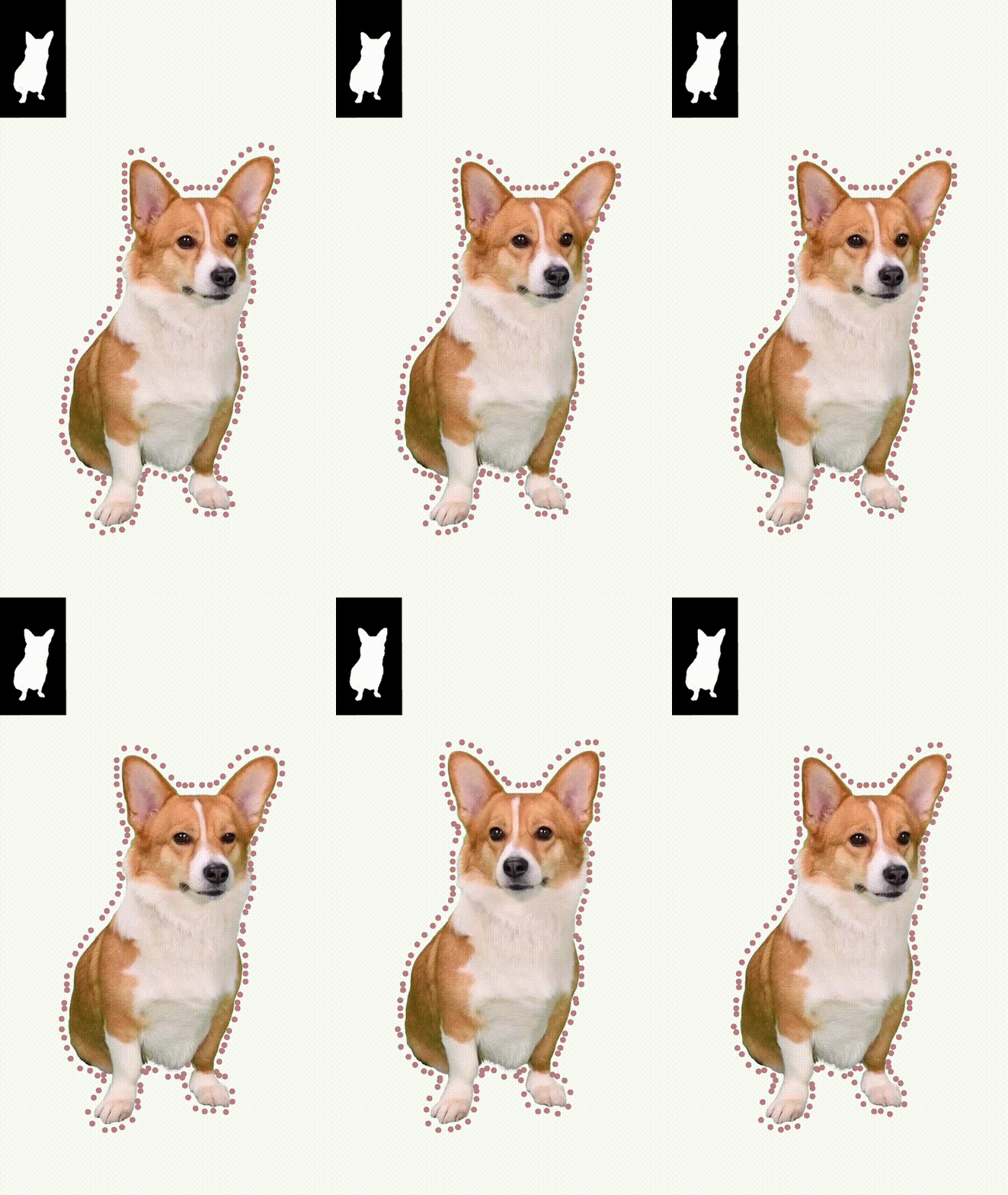
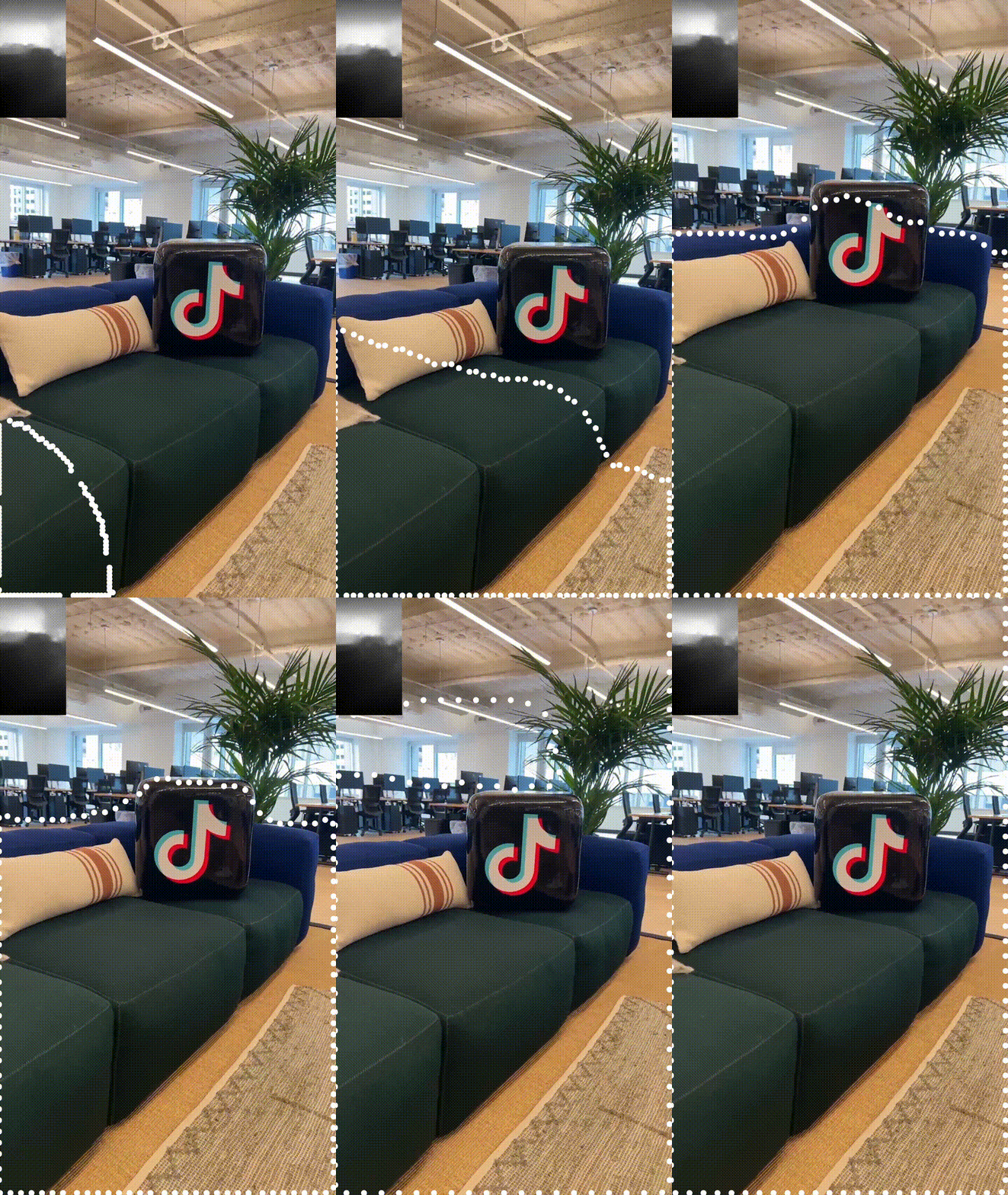
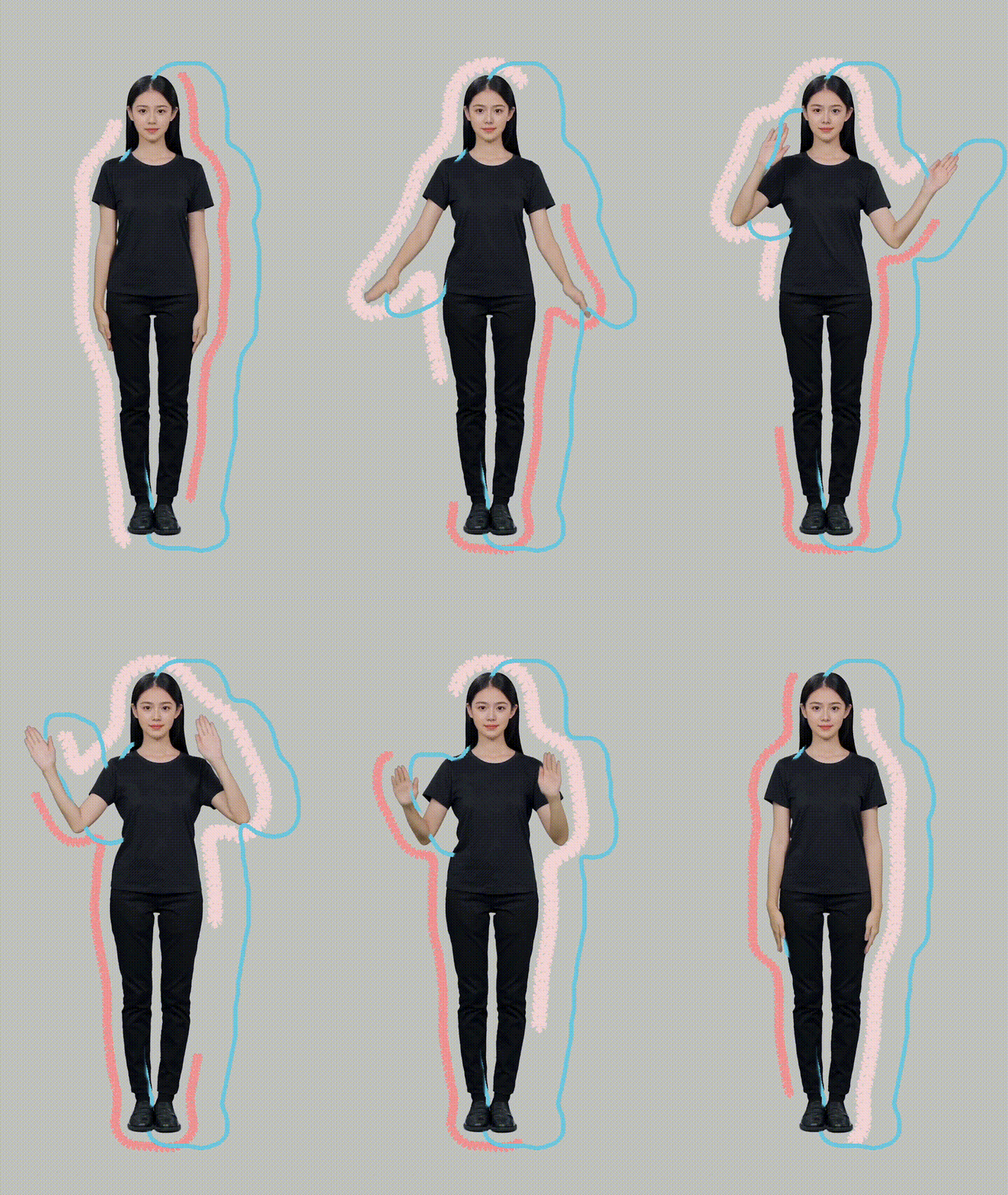
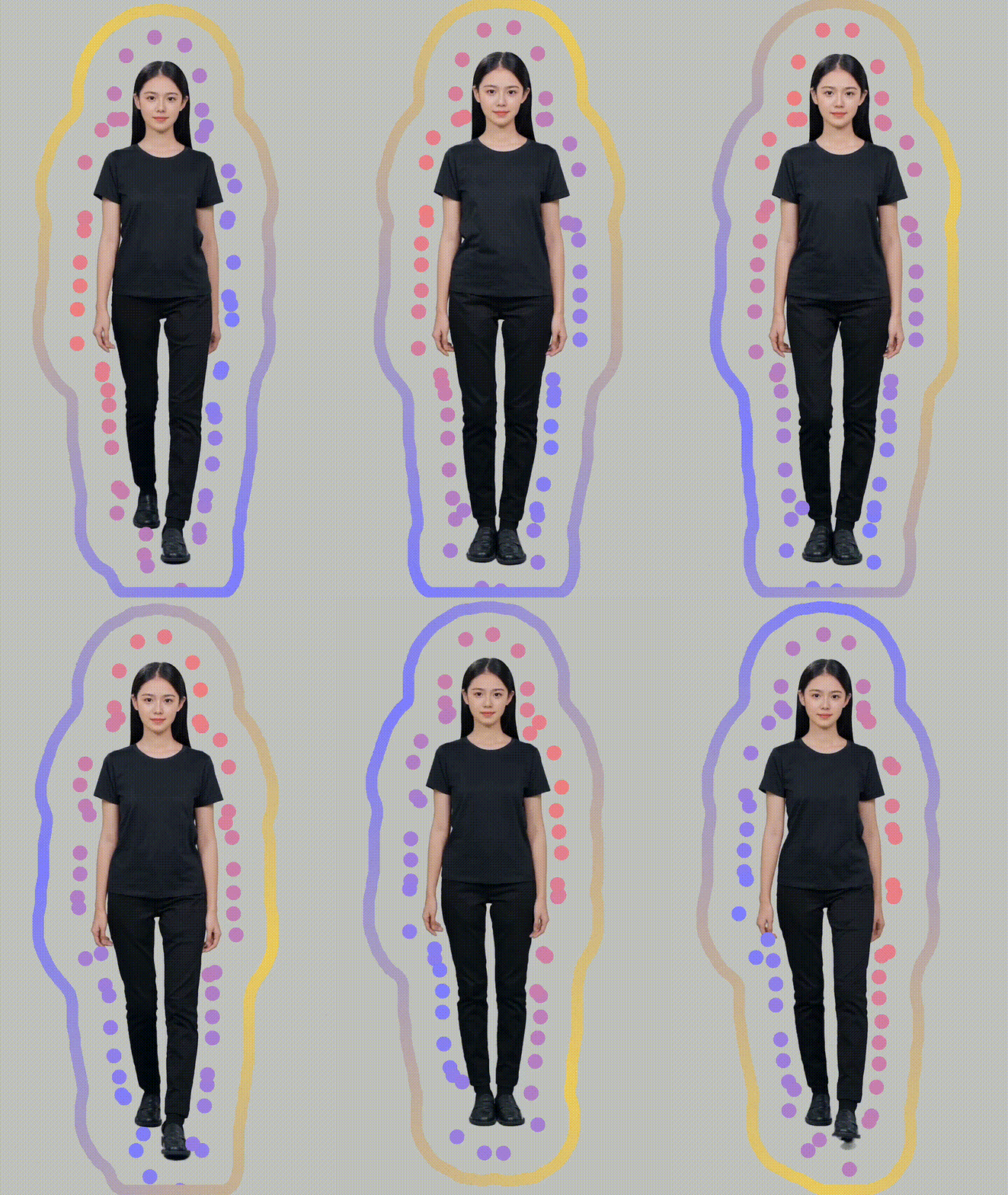
Add the Outline Object
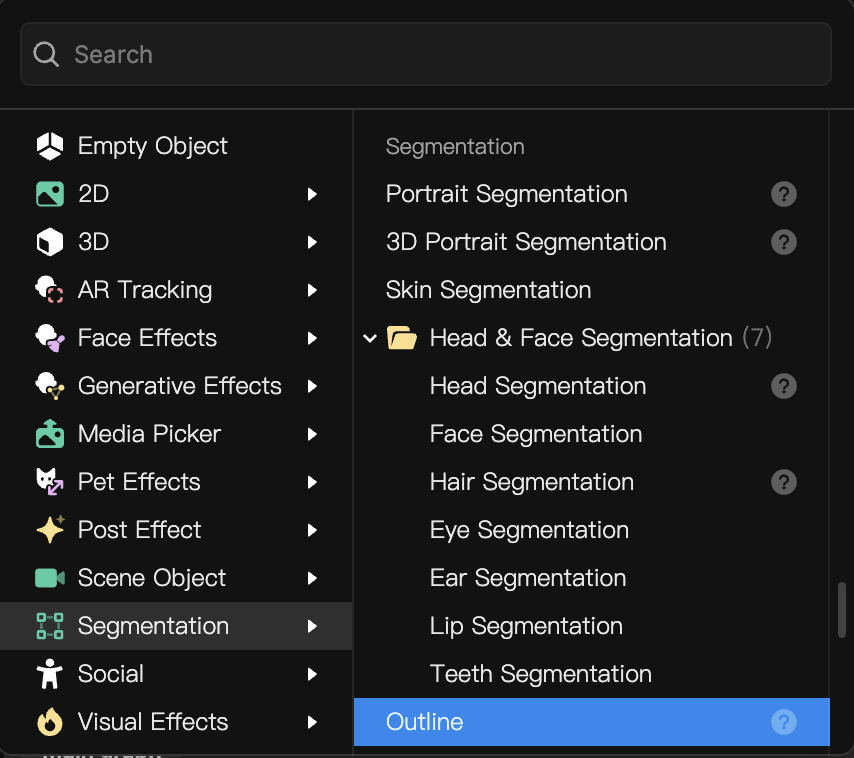
To add a Outline object:
- Go to the Hierarchy panel
- Click the Add object button [+]
- Go to Segmentation
- Select Outline
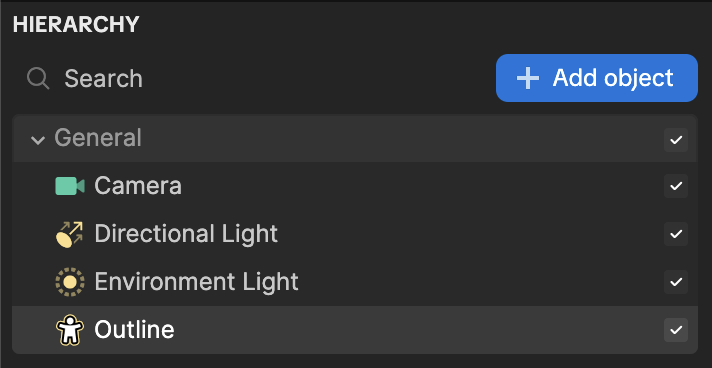
Outline in the Hierarchy Panel
The Outline object is automatically added to the General render group in the Hierarchy panel. Learn more about render groups.
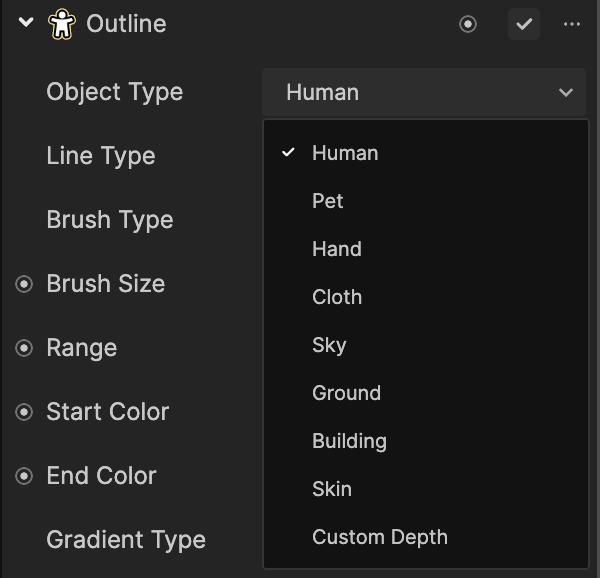
Change the Object Type
From the Object Type parameter in the Inspector panel, you can choose to apply the outline along the contour of a Human, Pet, Hand, Clothing, Sky, Ground, Building, Skin, or Custom Depth, allowing you to tailor your effects to an object of your choice and enhance the visual impact of your project.
Components
The Outline object is made up of the following components, found in the Inspector panel: