Dog Face Reshape
Dog Face Reshape allows you to modify and stylize the facial features of a dog face in your effect. It gives you control over which face is affected and lets you apply up to seven unique adjustments to shape how the dog’s face appears. All settings in this component are adjustable in the Scene panel. Learn more about the Dog Face Reshape object.
Add a Dog Face Reshape Component
To add a Dog Face Reshape component:
- Go to the Inspector panel
- Click + Add Component
- Go to Pet Effects
- Select Dog Face Reshape
Properties
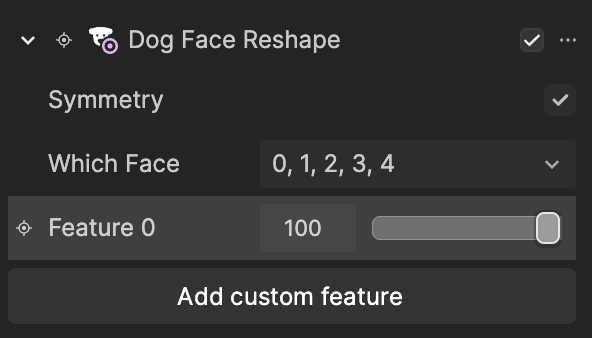
| Property | Description |
|---|---|
| Which Face | Select which face the Dog Face Reshape component applies to. Multiple selections are supported. 0 represents the first face tracked in the scene, and 4 represents the fifth. All faces are selected by default. |
| Feature | Add up to seven different reshaping adjustments. Each Feature includes settings that control the intensity of the effect. To add additional Features, click Add custom feature. You can create up to seven total features. |