Environment Light
Environment Light enhances the lighting in your effect.
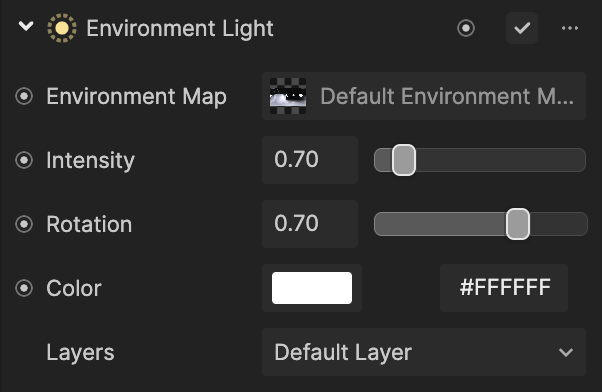
Add an Environment Light Component
To add an Environment Light component:
- Go to the Inspector panel
- Click the + Add Component button
- Go to Scene
- Select Environment Light
Properties
| Property | Description |
|---|---|
| Environment Map | A texture that represents the environment |
| Intensity | The brightness of the light source |
| Rotation | The rotation of the light source |
| Color | Adds a color tint to the light source |
| Layers | Selects the layer or layers you want to apply the light to |