AR Touch Gesture
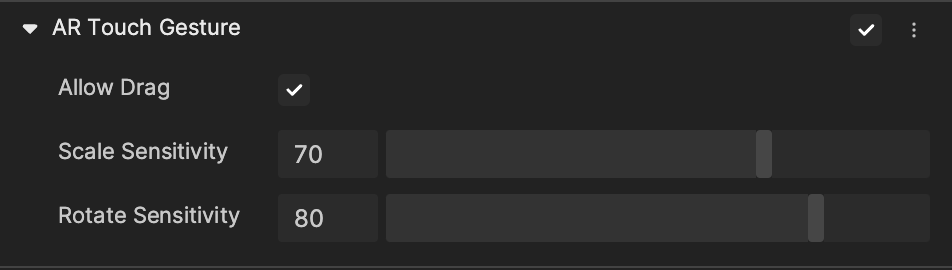
Use AR Touch Gesture to make an object interactive.
Add an AR Touch Gesture Component
Add an AR Touch Gesture component by clicking + Add Component > AR Capability > AR Touch Gesture in the Inspector panel.
Properties
| Property | Description |
|---|---|
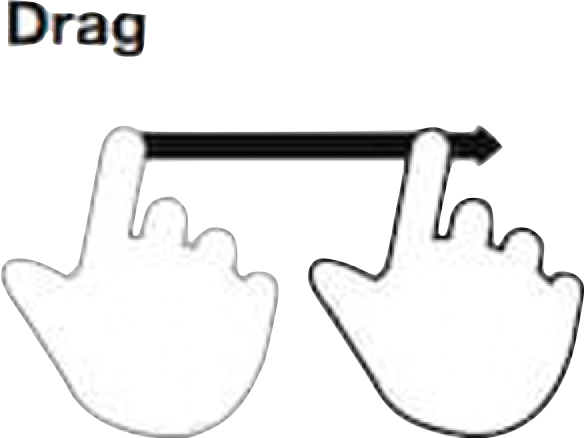
| Allow Drag | Allow the use of the drag gesture to move the object. Use the drag gesture by moving your fingertip over the surface without losing contact. See the demonstration below. |
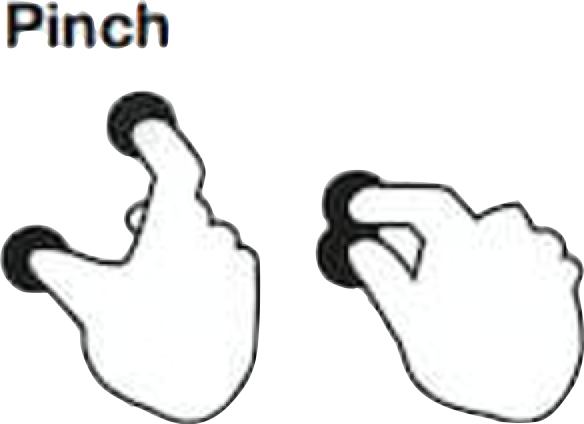
| Scale Sensitivity | Control the sensitivity of the scale interaction. This can only be previewed on a phone. Use the pinch gesture to scale the object by touching the surface with two fingertips and bring them together. See the demonstration below. |
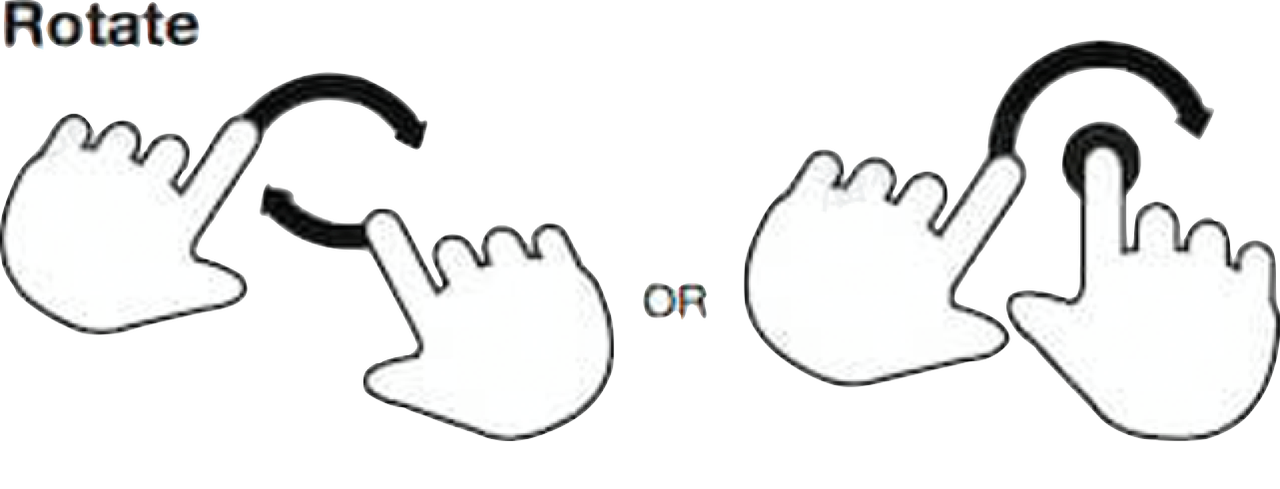
| Rotate Sensitivity | Control the sensitivity of rotation interaction. This can only be previewed on a phone. Use the rotate gesture to rotate the object by touching the surface with two fingers and moving them in a clockwise or counterclockwise direction. See the demonstration below. |
Demonstrations
Drag
Scale
Rotate